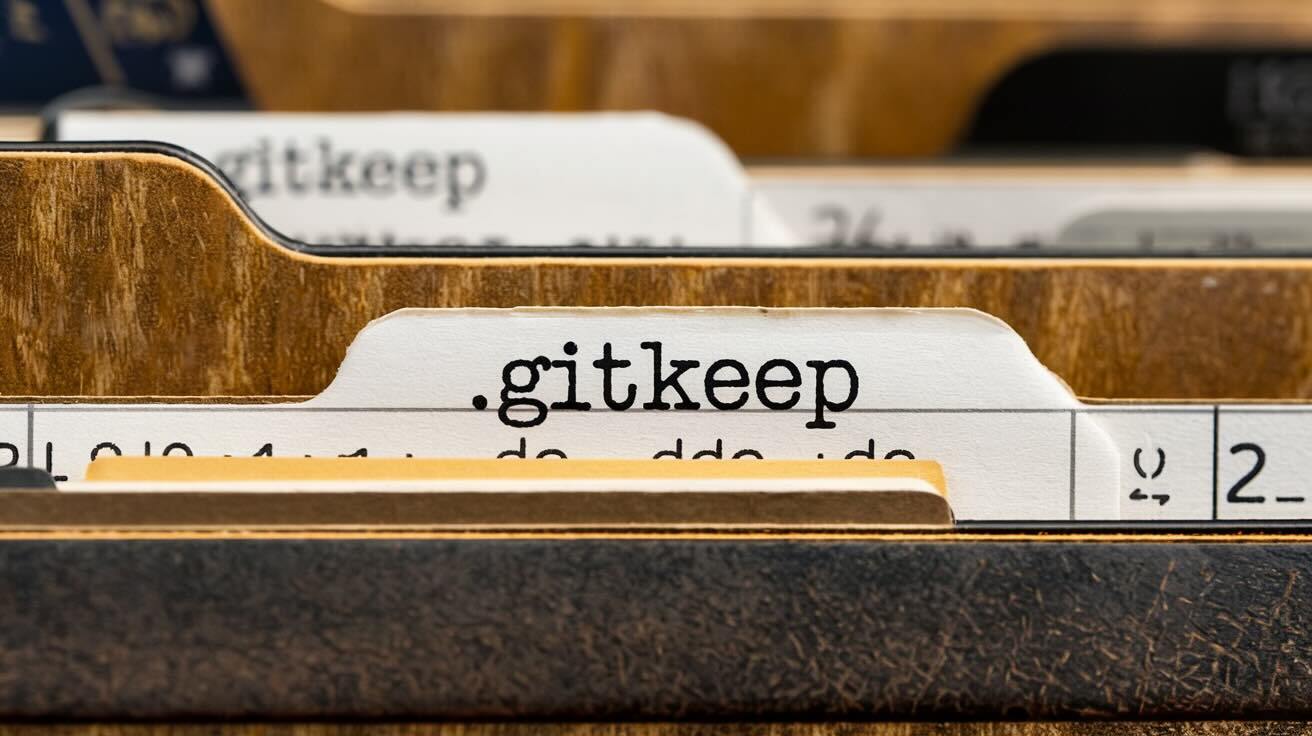
If you've ever cloned a repository and noticed an empty file called .gitkeep or .keep sitting inside an otherwise empty directory, you might have wondered what it does. The short answer: nothing special. Git doesn't recognise .gitkeep as a keyword or command. It's a community convention — a workaround for a fundamental limitation in how Git tracks files.
This guide explains why Git can't track empty directories, what .gitkeep actually does, and the right way to use it in your projects.
Why Git Can't Track Empty Directories
Git is a content-addressable filesystem. It stores three types of objects:
- Blobs — file contents
- Trees — directory listings (references to blobs and other trees)
- Commits — snapshots (a reference to a root tree plus metadata)
A tree object is only created when it has entries to reference. An empty directory has no blobs and no sub-trees, so Git has nothing to store. The Git index (the staging area at .git/index) can only record file paths — there's no mechanism to record a directory with no files.
This isn't a bug. The official Git FAQ states:
Currently the design of the Git index (staging area) only permits files to be listed.
The result: if a directory is empty, git add ignores it, and it won't exist in your repository.
What .gitkeep Actually Does
.gitkeep is just a file. By placing it inside an otherwise empty directory, that directory now contains a file, so Git can track it. The name .gitkeep has no special meaning to Git — a file called placeholder.txt or .keep would work identically.
The convention exists because the .git prefix makes the intent obvious: This file exists solely to keep this directory in Git.
# Create an empty directory and add a .gitkeep file
mkdir -p logs
touch logs/.gitkeep
git add logs/.gitkeep
git commit -m "Add empty logs directory"
After this, anyone who clones the repository will get the logs/ directory.
.gitkeep vs .gitignore as a Placeholder
The official Git FAQ actually recommends using .gitignore as the placeholder file, not .gitkeep. This has a practical advantage: a .gitignore file can simultaneously keep the directory tracked and exclude the files inside it.
The .gitignore Placeholder Pattern
This is the most common real-world use case — you want a directory to exist in the repository (e.g., tmp/, logs/, uploads/) but you don't want its contents tracked:
# Create the directory
mkdir -p tmp

# Create a .gitignore that ignores everything except itself
cat > tmp/.gitignore << 'EOF'
# Ignore everything in this directory
*
# Except this .gitignore file
!.gitignore
EOF

git add tmp/.gitignore
git commit -m "Add tmp directory (contents ignored)"
Now tmp/ exists in the repository, but any files created inside it (log files, caches, uploads) are automatically ignored.
When to Use Which
| Scenario | Use | Why |
|---|---|---|
| Empty directory that will eventually contain tracked files | .gitkeep |
Simple placeholder; remove it when real files arrive |
| Directory that should exist but whose contents should be ignored | .gitignore with * / !.gitignore |
Serves double duty: keeps the directory and ignores contents |
| Directory with some ignored and some tracked files | .gitignore with specific rules |
Standard .gitignore behaviour |
Common Use Cases
Build Output Directories
Your project expects a dist/ or build/ directory to exist, but the contents are generated:
mkdir -p dist
cat > dist/.gitignore << 'EOF'
*
!.gitignore
EOF
Log and Upload Directories
Applications often expect logs/ or uploads/ to exist at runtime:
mkdir -p logs uploads
touch logs/.gitkeep uploads/.gitkeep
If you use .gitkeep here, remember to also add ignore rules in your root .gitignore:
# In your root .gitignore
logs/*
!logs/.gitkeep
uploads/*
!uploads/.gitkeep
Test Fixture Directories
Test suites may expect certain directory structures:
mkdir -p tests/fixtures/output
touch tests/fixtures/output/.gitkeep
How This Relates to Deployment
When you deploy with DeployHQ, the directory structure in your repository is what gets transferred to your server. If your application expects directories like tmp/, cache/, or uploads/ to exist, those directories need to be in your Git repository — otherwise they won't exist on your server after deployment.
This is where .gitkeep or .gitignore placeholders become essential. Without them:
- A fresh deployment from GitHub or GitLab won't create those directories
- Your application may crash on startup if it tries to write to a directory that doesn't exist
- You'd need post-deployment SSH commands to create directories manually
With placeholders, the directories ship with your code automatically. If you're using DeployHQ's build pipelines, your build commands can also create directories during the build step — but having them in Git ensures they exist even without a build step.
Best Practices
- Pick one convention per project — either
.gitkeepor.gitignoreplaceholders. Don't mix both in the same repository - Prefer
.gitignorewhen contents should be excluded — it's the officially recommended approach and serves double duty - Use
.gitkeepfor genuinely empty dirs — when the directory will eventually contain tracked files,.gitkeepis simpler and more obvious - Remove
.gitkeepwhen real files arrive — once a directory has tracked files, the placeholder is no longer needed - Document the convention — add a note in your project's README or
CONTRIBUTING.mdso team members understand why placeholder files exist - Use Git LFS for large files — if your repository contains large binary assets (images, videos, compiled files), placeholder directories alone won't help. Instead, use Git LFS to manage large files and keep your repository lightweight
FAQ
Q: Is .gitkeep an official Git feature?
A: No. Git has no awareness of .gitkeep as a filename. It's a community convention — any file placed in an empty directory will cause Git to track that directory.
Q: Should I use .keep or .gitkeep?
A: Either works. .gitkeep is more common because the .git prefix makes the purpose obvious. Some projects use .keep instead. Pick one and be consistent.
Q: Does .gitkeep need to contain anything?
A: No. An empty file is fine. Some developers add a comment explaining why the file exists, but it's optional.
Q: Can I use .gitignore instead of .gitkeep?
A: Yes — the official Git FAQ actually recommends this. A .gitignore file can keep the directory tracked while also ignoring its contents. Use the * / !.gitignore pattern shown above.
Q: Will DeployHQ deploy empty directories with .gitkeep files?
A: Yes. DeployHQ transfers the directory structure from your repository to your server. Any directory containing a .gitkeep or .gitignore file will be created during deployment.
Empty directories in Git don't have to be a guessing game. Use .gitkeep for simple placeholders, .gitignore when you also need to exclude contents, and commit either one alongside your code so your deployments always get the right directory structure.
Try DeployHQ free — deploy your repository with the correct directory structure to any server. See pricing for team plans.
Questions? Reach out at support@deployhq.com or @deployhq.