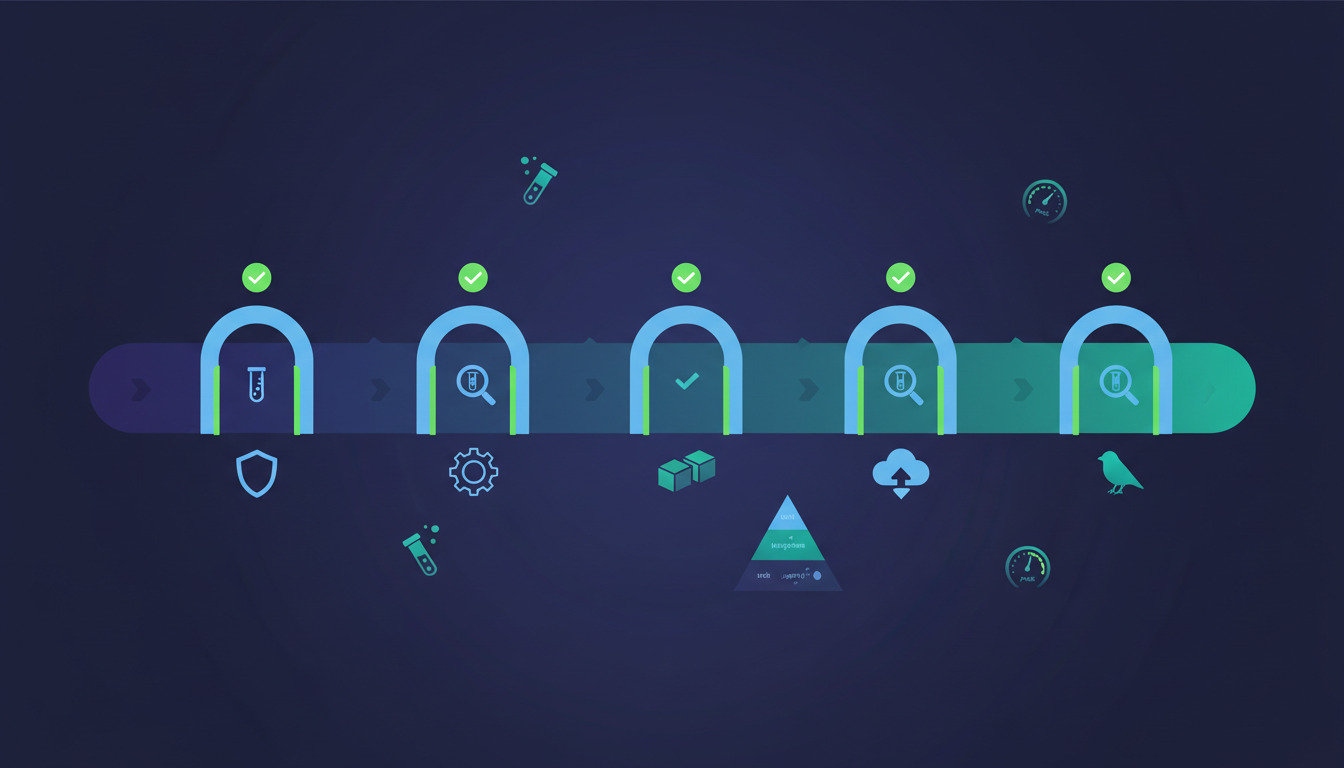
Deployment testing is the discipline of verifying that an application keeps working while and after you ship it — not just that the code passed unit tests on a developer's laptop. It sits at the boundary between QA and release engineering, and it's where most production incidents are actually caught (or missed).
If you're searching for what is deployment testing in software testing
, here's the short answer: it's the layer of automated checks that runs against a build artifact as it moves through your pipeline — pre-build, post-build, on staging, immediately after the production cutover, and continuously in production — to confirm the deployment itself didn't break anything the unit tests couldn't see.
This guide covers what deployment testing actually includes, where it fits in a modern pipeline, and how to wire it into a real release workflow without slowing down ship velocity.
What deployment testing covers
Deployment testing isn't a single test type. It's a layered set of checks, each with a different purpose and cost profile. The mainstream layering — sometimes called the test pyramid — looks like this when applied to deployments:
- Unit tests — fast, isolated, run on every commit. The base of the pyramid.
- Integration tests — verify that components talk to each other correctly. Run on every pull request and again in the build pipeline.
- Smoke tests — a thin slice of critical-path checks that run immediately after a deployment finishes. The classic
is the homepage still loading and can a user log in?
probe. - Regression tests — broader functional coverage that runs against staging before promotion to production, and sometimes against production behind a feature flag.
- Synthetic monitoring — scripted user journeys that run continuously in production from outside your infrastructure (think Pingdom, Datadog Synthetics, or a self-hosted Playwright job).
- Canary checks — automated comparison of error rates, latency, and key business metrics between the old and new version when a release is rolled out gradually. Covered in detail in our canary release guide with PHP, Nginx, and feature flags.
The further up the pyramid you go, the slower and more expensive each test becomes, and the closer it gets to real production traffic. The skill is deciding which layers gate the deployment (block the release on failure) and which layers observe it (alert on failure but don't roll back automatically).
Where deployment testing fits in a CI/CD pipeline
A modern release flow has at least five distinct points where tests can run:
- Pre-commit — linters and fast unit tests in a Git hook, before the developer can push.
- Pre-build — unit and integration tests as the first stage of the build pipeline, before any artifact is produced. If these fail, no deploy ever runs.
- Build-time — tests that need compiled assets or dependencies installed. PHPUnit against a built Composer install, Jest against a webpack bundle, pytest against an installed wheel. This is where DeployHQ's hosted build pipeline is most useful — you get a clean, reproducible environment per release.
- Post-deploy on staging — full regression suite plus end-to-end browser tests against a staging server that mirrors production. This is the last gate before a production release.
- Post-deploy on production — smoke tests immediately after cutover, then synthetic monitoring continuously. Failure here triggers an alert and, ideally, an automatic one-click rollback.
Note: DeployHQ runs all of these stages from the same release pipeline, with a consistent rollback story across GitHub and GitLab repositories.
For a deeper walkthrough of stitching these stages together, see our practical guide to building a CI/CD pipeline. If you're still figuring out the broader vocabulary (CI vs CD vs continuous deployment), the practical guide to continuous integration and delivery is the right place to start.
Each of those five points has a different blast radius. A failing unit test costs ten seconds of CI time. A failing smoke test in production can mean a rollback. Knowing where each test lives is half the battle.
The shift-left principle (and why it matters for deployment testing)
Shift left
is the industry shorthand for moving testing earlier in the lifecycle — closer to commit time, away from production. The economics are well-documented: a defect caught at commit costs roughly 1× to fix, in QA roughly 10×, and in production 100× or more once you factor in support, reputation, and engineering time-to-respond.
Practical shift-left moves for deployment testing:
- Run the fastest meaningful test suite as a pre-commit hook, not just in CI.
- Run integration tests against a containerised database in the pull-request pipeline, so the
but it works on staging
failure mode disappears. - Run smoke tests against an ephemeral preview environment spun up per pull request, not just against staging.
- Gate the merge button on the entire pipeline passing — not
tests will run after merge
.
The point isn't to delete production testing. Smoke tests, synthetic monitoring, and canary analysis still belong in production. The point is to make sure production tests are the last line of defence, not the first.
Ready to gate your deployments on automated tests? DeployHQ runs your test suite as part of every build, blocks the deploy on a non-zero exit code, and ships the artifact only when the suite is green. See the DeployHQ plans — every tier includes the build pipeline and post-deploy hooks you need to wire test gating into your release flow.
Smoke tests vs regression tests vs synthetic monitoring
These three are the deployment-testing trio that confuse people most often. They look similar but solve different problems.
| Test type | When it runs | What it covers | What failure means |
|---|---|---|---|
| Smoke test | Within seconds of a deploy finishing | A handful of critical-path probes (login works, homepage loads, API health check returns 200) | The deploy is broken — roll back immediately |
| Regression test | Pre-production, against staging | Broad functional coverage, often hundreds of tests | A feature regressed — block the production release |
| Synthetic monitoring | Continuously, in production | Scripted user journeys from outside the network | Something downstream changed (DNS, CDN, third-party API) — page on-call |
Smoke tests are intentionally narrow. A good smoke suite runs in under 60 seconds and tells you is this build alive?
. Anything that takes longer belongs in regression. Anything that needs to keep running after the deploy finishes belongs in synthetic monitoring.
Gating strategies: blocking vs observing
Every test layer has to answer one question: if this fails, do we stop the release?
- Blocking (gate) — the test must pass before the next stage runs. Use for unit, integration, regression, and post-deploy smoke tests. A failure halts the pipeline and (for post-deploy smoke) triggers a rollback.
- Observing (alert) — the test runs but doesn't block the release. Use for synthetic monitoring, canary metric comparison, and any long-running test that would slow down ship velocity unacceptably. A failure pages on-call instead of stopping the deploy.
A common mistake is gating too aggressively. If your end-to-end browser suite takes 45 minutes and flakes 5% of the time, gating production releases on it means you ship less often, and engineers learn to rerun until green
— which defeats the point. The fix is usually to split the suite: a 90-second smoke subset gates, the rest runs in parallel as an observed signal.
For teams running multiple environments, our guide to keeping development, staging, and production in sync covers how to make sure your gating tests are actually exercising production-equivalent code paths.
Real failure modes deployment testing catches (and misses)
Worth being honest about what this layer is and isn't good at.
It catches:
- Environment-specific bugs (missing env vars, wrong database URL, file-permission issues).
- Failed build-step side effects (assets not compiled, migrations not run, cache not warmed).
- Cross-service integration regressions when a contract changed.
- Deployment-config drift between environments.
- Third-party service outages affecting health checks.
It misses:
- Performance regressions under load — needs dedicated load testing, not smoke tests.
- Slow-burn data corruption — usually caught by reconciliation jobs, not deploy-time tests.
- Security regressions — needs SAST/DAST in the pipeline, plus the kind of pre-release checklist covered in our OWASP security checklist for deployments.
- User-experience regressions that look fine to a script but feel broken to a human — needs real user monitoring (RUM) on top.
Treat deployment testing as one signal among several. The teams who ship most confidently combine it with observability, feature flags for risky changes, and zero-downtime deploy strategies. We cover the latter in zero-downtime deployment strategies: blue/green, canary, and rolling.
Wiring tests into a DeployHQ pipeline
If you deploy with DeployHQ, the build pipeline is where most of your pre-deploy testing should live. The pattern is straightforward:
- Add your test command as a build step (for example
vendor/bin/phpunit,npm test, orpytest -q). - DeployHQ runs the command in a clean, language-specific build container per release.
- A non-zero exit code aborts the build — the deploy never starts, the production servers are never touched.
- On success, the built artifact is shipped to your servers via SSH, SFTP, or the DeployHQ agent for servers behind a firewall.
For tests that need a database, the build environment can connect to a remote test database — see our troubleshooting guide for build connections to third-party services for the network-allowlisting details.
Post-deploy smoke tests fit naturally as a deployment hook. A simple curl --fail https://app.example.com/healthz is often enough as a first pass; graduate to a Playwright or Cypress smoke run when the simple probe stops catching real failures.
Migrating from a self-hosted CI/CD setup? Our walkthrough on why small teams switch from traditional CI/CD to DeployHQ covers the trade-offs.
Further reading on language-specific test runners
The mainstream test runners across the popular language ecosystems:
- RSpec for Ruby
- Jest for JavaScript and TypeScript
- PHPUnit for PHP
- pytest for Python
- Go's built-in
testingpackage - JUnit 5 for Java and Kotlin
Each ships with idiomatic patterns for assertions, fixtures, and CI integration. Pick the one your team's stack uses and standardise — the wins from a consistent test runner across services usually outweigh the wins from picking the best
one per service.
Get your deployment tests running today
Deployment testing only pays off if it actually runs on every release. DeployHQ gates every deploy on your test suite, hands you instant rollback if a post-deploy smoke check fails, and runs builds in clean, reproducible environments so works on my machine
never becomes broke in production
. Start your free DeployHQ trial and ship your next release with confidence.
Questions about wiring up application tests in your deployment pipeline? Email us at support@deployhq.com or reach out on X (@deployhq) — we'd love to hear what you're shipping.