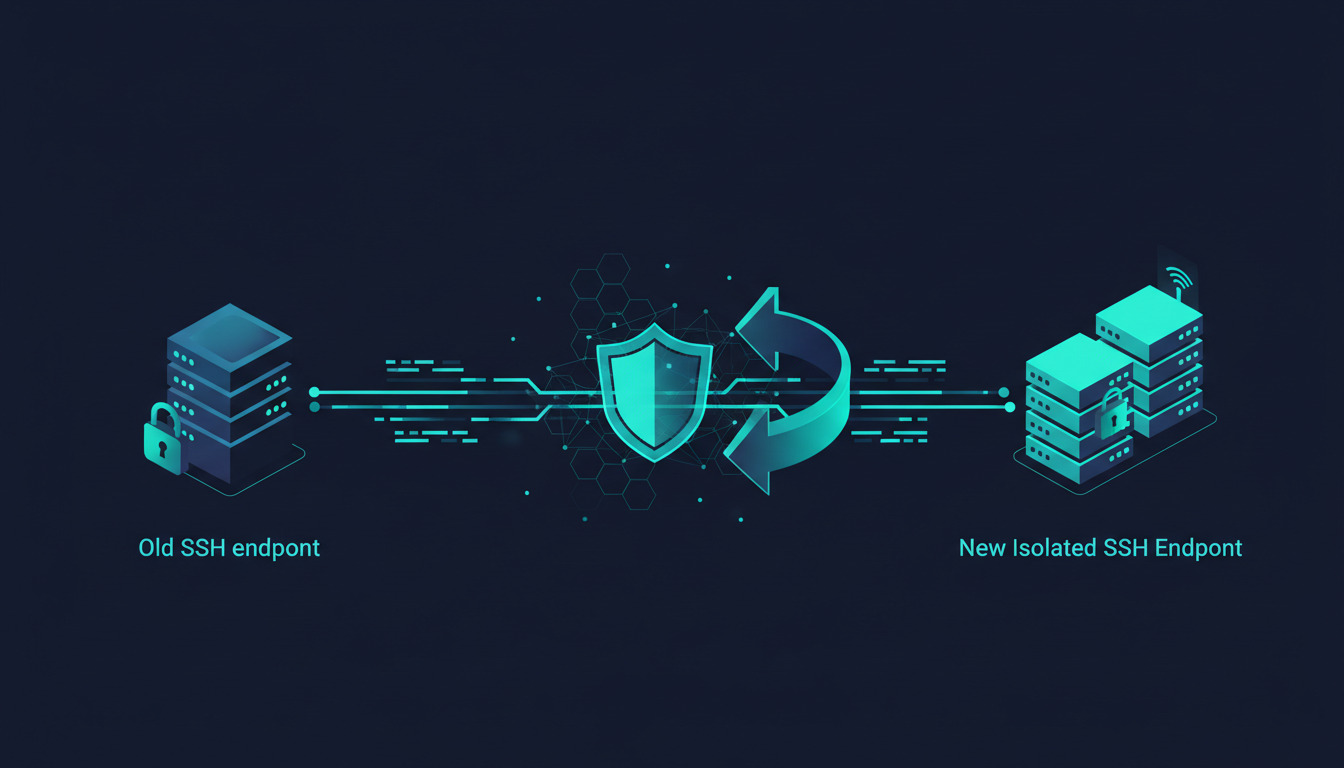
Bitbucket Cloud is changing the hostname used for Git operations over SSH. If you use Bitbucket with DeployHQ or DeployBot, our systems have already been updated to handle the new hostname automatically.
You may still need to update Git remotes, CI/CD runners, or firewall rules that you manage yourself.
What Bitbucket is changing
Atlassian is separating Bitbucket Cloud's HTTPS and SSH traffic:
bitbucket.orgwill continue to serve HTTPS traffic, including the Bitbucket website and API.- Git operations over SSH will move to
ssh.bitbucket.org.
That affects SSH-based operations such as git clone, git fetch, git pull, and git push. A remote that currently looks like this:
git@bitbucket.org:<workspace>/<repository>.git
will need to use this hostname instead:
git@ssh.bitbucket.org:<workspace>/<repository>.git
HTTPS remotes are not affected by this change.
Atlassian has extended the grace period and now lists December 10, 2026 as the final removal date for SSH access through bitbucket.org. The announcement also includes a schedule of controlled brownouts before that date, so teams can identify remaining dependencies early. See Atlassian's Bitbucket Cloud SSH migration announcement for the current timeline.
What DeployHQ and DeployBot customers need to do
If DeployHQ or DeployBot is handling your Bitbucket connection, nothing is required for this hostname migration. We have already patched our Bitbucket SSH handling so deployments can continue using the new SSH endpoint.
This applies to the Bitbucket connection managed by the product. It does not change your repository's own local Git configuration, and it does not update other tools that happen to use the same repository.
If you are setting up a new Bitbucket connection, continue to follow the normal product workflow. For background on SSH authentication, see our step-by-step guide to setting up SSH keys for Bitbucket.
What you may still need to update
Check systems outside DeployHQ and DeployBot that connect to Bitbucket over SSH.
Local Git repositories
From a local clone, inspect your remotes:
git remote -v
If you see git@bitbucket.org:, update the remote to use git@ssh.bitbucket.org::
git remote set-url origin git@ssh.bitbucket.org:<workspace>/<repository>.git
You may need to repeat this for other remotes and local clones.
CI/CD pipelines and scripts
Search pipeline configuration, build servers, deployment scripts, mirroring jobs, and internal tooling for references to:
git@bitbucket.org:
ssh://git@bitbucket.org
Replace the SSH hostname with ssh.bitbucket.org. If your pipeline uses HTTPS, this particular change does not apply to it.
This is especially important for teams using a broader CI/CD pipeline workflow alongside a deployment platform.
Firewall and network allowlists
If outbound SSH is restricted by a firewall or security appliance, make sure ssh.bitbucket.org is allowed on the port your workflow uses. Coordinate the change across development, staging, and production environments.
If your network blocks port 22, follow Atlassian's guidance for using Bitbucket when port 22 is blocked.
Known hosts and host-key verification
The first connection to the new hostname may require a host-key check. In automated environments, verify that the new hostname and its published fingerprints are trusted according to Atlassian's documentation. Do not disable host-key verification to work around a failed connection.
SSH keys and deploy keys do not need to be regenerated merely because the hostname is changing. The change is to the server hostname; your Bitbucket authentication remains separate. Our guide to Git deploy keys across GitHub, GitLab, and Bitbucket explains the difference between a deploy key and a user SSH key.
How to check whether you are affected
You are likely affected if:
- a local Git remote uses
git@bitbucket.org:; - a script contains
ssh://git@bitbucket.org; - a CI/CD runner clones or fetches Bitbucket repositories over SSH;
- a firewall allowlist names
bitbucket.orgas an SSH destination.
You are not affected by this specific migration if your workflow uses HTTPS Git remotes, such as:
https://bitbucket.org/<workspace>/<repository>.git
You also do not need to change a DeployHQ or DeployBot Bitbucket connection solely because of this hostname migration; the managed connection has already been updated.
For teams using Bitbucket webhooks, the hostname change is separate from webhook delivery. Review your Bitbucket webhook setup if you are troubleshooting webhook events rather than Git-over-SSH operations.
Frequently asked questions
Do I need to regenerate my Bitbucket SSH key?
No. The hostname migration does not by itself require a new user SSH key or deploy key. Update the SSH hostname wherever your own systems reference the old one.
Does this affect HTTPS cloning?
No. HTTPS remotes using https://bitbucket.org/ continue to work.
Do DeployHQ and DeployBot customers need to change their projects?
No, not for the Bitbucket SSH hostname migration. DeployHQ and DeployBot have already been updated to handle the new SSH endpoint automatically.
What if a deployment still fails?
First determine whether the failing operation is being made by DeployHQ or DeployBot, or by a customer-managed runner, script, or deployment server. Then check the SSH hostname, network allowlist, and host-key configuration in that system. If the failure is in a DeployHQ-managed connection, contact DeployHQ support with the project and deployment details.
Keep your migration checklist current
Atlassian's timeline and brownout schedule may change, so use the official Bitbucket announcement as the source of truth for dates and host-key fingerprints.
DeployHQ and DeployBot customers can continue using their managed Bitbucket connections without changing their projects for this migration. For new automated deployments, see our guide to deploying from Git to an SFTP server or sign up for DeployHQ.