This is Part 5 of our series on AI coding assistants for developers. See also: Getting Started with Claude Code, Getting Started with OpenAI Codex CLI, Getting Started with Google Gemini CLI, and Comparing AI CLI Coding Assistants.
Your AI coding agent can read files, run commands, and edit code. But how does it actually connect to the tools and services it needs? In 2026, there are two dominant approaches: command-line interfaces (CLIs) and the Model Context Protocol (MCP). Both give coding agents access to external capabilities — but they work in fundamentally different ways, with real consequences for context quality, reliability, and what your agent can actually do.
This isn't an abstract protocol debate. The interface you choose directly affects how well your agent understands your codebase, how accurately it executes tasks, and how much manual oversight you need to provide. Let's break down what's similar, what's different, and when each approach makes sense.
What We Mean by CLIs and MCPs
Before comparing them, let's be precise about what each term means in the context of coding agents.
CLIs: The Agent Shells Out
When a coding agent uses a CLI tool, it constructs a shell command, executes it in a subprocess, and parses the text output. This is the oldest and most universal integration pattern. Your agent might run git log --oneline -10 to see recent commits, npm test to run your test suite, or curl to hit an API endpoint.
The agent treats the CLI as a black box: it sends a string, gets a string back, and interprets the result using its language understanding.
MCP: A Structured Tool Protocol
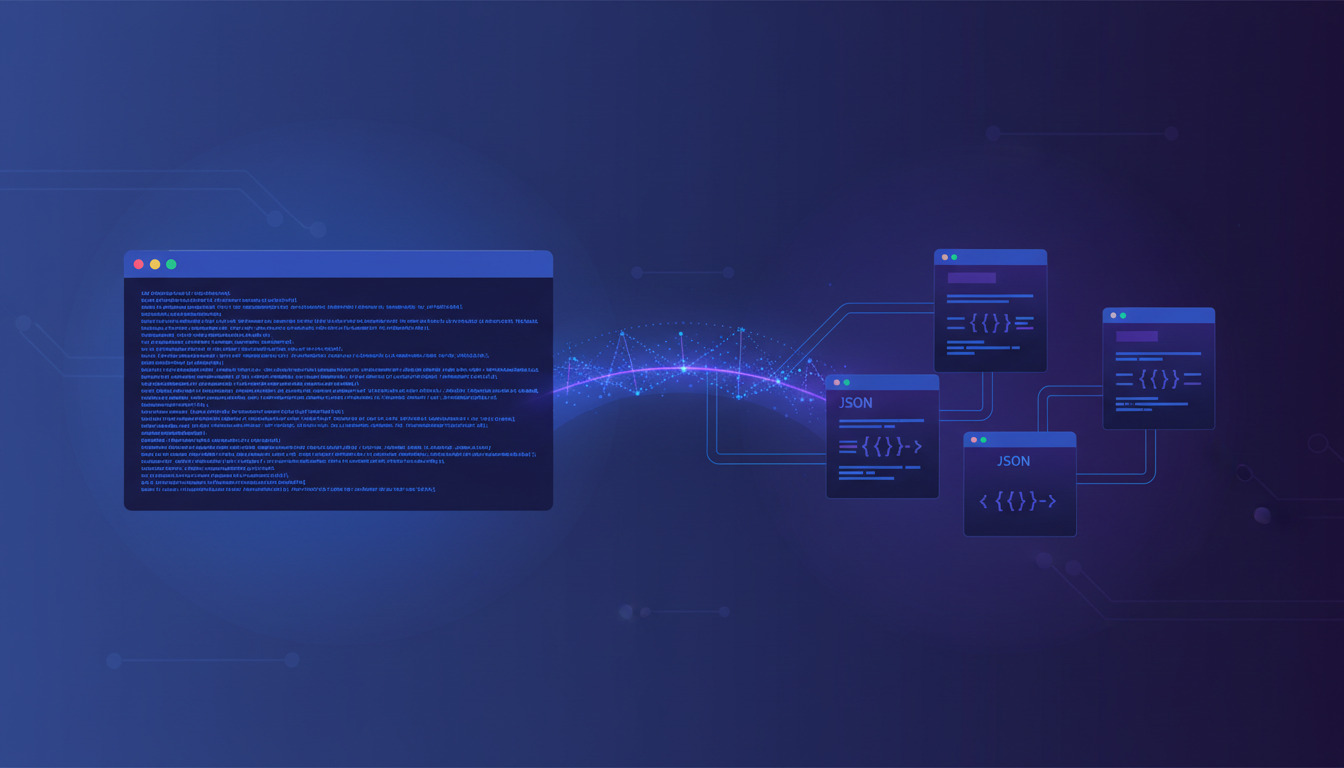
The Model Context Protocol is an open standard that defines a JSON-RPC interface between AI models and external tools. Instead of executing arbitrary shell commands, the agent calls named tools with typed parameters and receives structured JSON responses.
An MCP server might expose a search_posts tool that accepts { "query": "deployment", "status": "published" } and returns a typed array of post objects — complete with IDs, titles, dates, and metadata. The agent never needs to parse text output or guess at field meanings.
What They Have in Common
Despite the architectural differences, CLIs and MCP share several characteristics:
Both extend agent capabilities. Whether your agent runs gh pr list or calls an MCP tool named list_pull_requests, the end result is the same: the agent gains access to information and actions beyond its training data. Both approaches turn a conversational AI into something that can interact with real systems.
Both require trust boundaries. A CLI command can delete files; an MCP tool can publish a blog post. In both cases, you need permission models. Claude Code uses approval prompts for shell commands; MCP servers define their own tool permissions. The security concern is identical — you're giving an AI agent the ability to affect real systems.
Both work across all major coding agents. Claude Code, Codex CLI, and Gemini CLI all support both shell execution and MCP servers. (If you're still choosing between these three, our comparison of AI CLI coding assistants covers the differences in detail.) The specific configuration differs, but the concept is universal. If you're building an integration, either approach will work with the tools your team already uses.
Both can be composed. Agents regularly chain multiple CLI commands together (git add . && git commit -m "fix" && git push), and they can chain multiple MCP tool calls in sequence. Complex workflows are possible with either approach.
Where They Differ
Here's where the comparison gets interesting — and where the choice actually matters for your development workflow.
1. Output Structure: Text vs. Typed Data
This is the single biggest difference, and it cascades into nearly every other comparison point.
CLI output is unstructured text. When your agent runs ls -la, it gets a blob of text that it must parse using pattern matching and language understanding. This works remarkably well for simple commands, but it introduces ambiguity. Does that column represent file size or block count? Is that date in DD/MM or MM/DD format? The agent is constantly inferring structure from text.
MCP responses are structured JSON. When your agent calls an MCP tool, it gets back typed fields with known semantics. A post object has a published_at field that's always a Unix timestamp, a title that's always a string, and a categories array that's always a list of IDs. There's no ambiguity to resolve.
This matters most when agents need to make decisions based on the data. An agent parsing git log output might misinterpret a commit message that contains a date-like string. An agent receiving structured commit objects from a Git MCP server won't have that problem.
2. Discoverability: Man Pages vs. Tool Schemas
CLI tools require the agent to know what exists. The agent needs prior knowledge (from training data) about which commands are available, what flags they accept, and what their output looks like. If you have a custom deployment script at ./scripts/deploy.sh, the agent won't know about it unless you tell it — or it happens to find it while exploring your project.
MCP servers declare their capabilities. When an agent connects to an MCP server, it receives a complete list of available tools with descriptions, parameter schemas, and return types. The agent knows exactly what it can do without any prior knowledge. This is especially powerful for domain-specific tools — your custom DeployHQ MCP server doesn't need to be in the model's training data for the agent to use it effectively.
3. Context Efficiency: Tokens Matter
Every piece of information the agent processes consumes tokens from its context window. This has real cost and performance implications.
CLI output is verbose and unstructured. Running docker ps might return 20 lines of formatted table output when the agent only needed the container ID and status. The agent ingests all of it. Multiply this across dozens of commands in a complex task, and you're burning significant context on formatting, headers, and irrelevant columns.
MCP responses are precise. An MCP tool can return exactly the fields the agent needs. If you only want post titles and IDs, the MCP server returns just that — no extra columns, no formatting overhead, no ASCII table borders. For agents working on long, multi-step tasks, this efficiency compounds significantly.
Here's a concrete example. Fetching the last 10 blog posts via CLI might look like:
curl -s https://api.example.com/posts?limit=10 | jq '.[] | {id, title, status}'
That raw JSON response might be 2,000 tokens. The equivalent MCP call returns the same data in a pre-structured format that the agent can consume in roughly 800 tokens — because there's no HTTP headers, no jq processing, and no raw response wrapping.
4. Error Handling: Exit Codes vs. Typed Errors
CLI errors are inconsistent. Some tools use exit codes, some print to stderr, some return error messages on stdout, and some do all three in different combinations. An agent parsing CLI output needs to handle all these patterns — and sometimes the error
is actually a warning that doesn't indicate failure.
MCP errors follow a standard format. The protocol defines error responses with codes, messages, and optional details. The agent always knows whether a call succeeded or failed, and can make reliable decisions about retry logic, fallback strategies, or error reporting.
5. Security Model: Sandbox vs. Scoped Permissions
CLI access is broad. When you give an agent shell access, it can potentially run any command your user account can execute. Most coding agents mitigate this with approval prompts, but the underlying capability is unrestricted. A malicious or confused agent could run rm -rf / if the permission check fails.
MCP access is scoped by design. Each MCP server exposes only its specific tools. A blog management MCP server can't access your filesystem; a database MCP server can't run shell commands. The attack surface is naturally smaller. If an MCP server's token has read-only permissions, no amount of clever prompting can make it write data.
This becomes especially important when agents operate with reduced oversight — in automated pipelines, background tasks, or full auto
modes.
6. State and Authentication
CLIs inherit the user's environment. Your shell's PATH, environment variables, SSH keys, and authentication tokens are all available to CLI commands. This is convenient — git push just works because your SSH agent is running — but it also means the agent has access to all your credentials.
MCP servers manage their own auth. Each server handles its own authentication, typically through API tokens or service accounts configured when the server starts. This creates clear boundaries: your Google Search Console MCP server has its own service account credentials that are separate from your shell environment.
Comparison Summary
| Dimension | CLI | MCP |
|---|---|---|
| Output format | Unstructured text | Typed JSON |
| Discoverability | Requires prior knowledge | Self-describing schemas |
| Context efficiency | Verbose (high token cost) | Precise (low token cost) |
| Error handling | Inconsistent across tools | Standardised protocol |
| Security scope | Broad shell access | Scoped per server |
| Auth model | Inherits user environment | Isolated per server |
| Setup complexity | Zero (tools already installed) | Moderate (server config needed) |
| Universality | Any CLI tool works | Only MCP-enabled services |
| Ecosystem maturity | Decades of tools | Growing rapidly (2024+) |
| Offline capability | Full | Depends on server |
Which Provides Better Context for Coding Agents?
If you're optimising for agent performance — fewer hallucinations, more accurate tool use, better multi-step reasoning — MCP has a clear structural advantage. Typed data, self-describing schemas, and efficient token usage all contribute to higher-quality agent behaviour.
But that doesn't mean you should replace all CLIs with MCP servers. The practical answer is more nuanced:
Use MCP for domain-specific integrations. If you regularly interact with a specific service — your blog platform, deployment tool, monitoring system, or database — an MCP server gives the agent richer context and more reliable interactions. This is why tools like the DeployHQ MCP server exist: they provide structured access to deployment management that no CLI could match.
Use CLIs for general-purpose operations. File system operations, Git commands, package management, and build tools are universal. They work everywhere, require no setup, and agents handle them well. There's no benefit to wrapping npm install in an MCP server — the CLI works perfectly for this.
Use both together. The most effective setup in 2026 combines both approaches. Your agent uses CLIs for general development tasks and MCP servers for specialised integrations. Claude Code, for example, natively supports both — you can run shell commands and call MCP tools in the same conversation, letting the agent choose the best approach for each step.
What This Means for Your Deployment Workflow
For teams using automated Git deployments, the CLI-vs-MCP choice has practical implications:
Git operations stay CLI-based. Your agent commits, pushes, and manages branches through standard Git commands. This is well-understood, universal, and effective.
Deployment management benefits from MCP. Checking deployment status, triggering rollbacks, or inspecting server configurations are tasks where structured data matters. An MCP server that returns deployment status as { "status": "success", "deployed_at": "2026-04-12T10:30:00Z", "commit": "abc1234" } gives the agent far better context than parsing HTML or text output from a dashboard.
Content operations are ideal for MCP. If your workflow includes managing blog content alongside code — writing deployment guides, updating documentation, managing SEO — an MCP server provides the structured access that makes agents genuinely useful for content workflows.
The pattern we see with teams using DeployHQ is straightforward: Git CLI for code, MCP for everything else that has an API. This gives agents the broadest capabilities with the best context quality.
The Future: Convergence
The boundary between CLIs and MCP is already blurring. Some newer CLI tools output structured JSON by default. MCP servers can wrap existing CLIs to add structure. And coding agents are getting better at parsing unstructured output.
But the trend is clear: as agents take on more complex, multi-step tasks with less human oversight, structured interfaces become more important — not less. The more an agent operates autonomously, the more it benefits from unambiguous, typed data.
If you're building tools for AI agents today, MCP is worth the investment. If you're using agents for development work, configure both CLIs and the MCP servers that match your workflow. The agents that perform best are the ones with the richest, most structured context available.
Frequently Asked Questions
Can I use MCP and CLIs together in the same agent session?
Yes. All major coding agents — Claude Code, Codex CLI, and Gemini CLI — support both shell commands and MCP tool calls in the same session. The agent picks the most appropriate interface for each task automatically. You don't need to choose one or the other.
Do MCP servers replace the need for CLI tools?
No. MCP servers complement CLIs rather than replacing them. CLIs excel at general-purpose operations like file management, Git, and build tools. MCP servers are best for domain-specific services where structured data and scoped permissions matter. The most effective setups use both.
Is MCP harder to set up than just using CLIs?
MCP requires initial configuration — you need to install and configure each server, provide API tokens, and register them with your coding agent. CLIs, by contrast, typically just work with your existing shell environment. However, the setup is usually a one-time task, and the improved agent performance often justifies the upfront effort.
Does using MCP reduce token costs?
Generally yes. MCP responses are structured and concise, which means less token usage per interaction compared to parsing verbose CLI output. For agents running long, multi-step tasks or operating at scale, this efficiency can meaningfully reduce costs — especially with pay-per-token pricing models.
Which approach is more secure?
MCP has a structural security advantage because each server exposes only specific capabilities with scoped permissions. CLI access grants broader system access by default. However, both approaches require proper configuration — MCP servers need secure token management, and CLI access needs appropriate permission prompts. Neither is inherently safe
without proper setup.
AI coding agents are most effective when they have the right context, delivered through the right interface. For general development tasks, your terminal's CLI tools remain indispensable. For specialised integrations — content management, deployment automation, monitoring, and APIs — MCP provides the structured context that helps agents work accurately and efficiently.
The best setup isn't one or the other. It's both, configured to match your workflow.
Ready to add structured deployment management to your AI coding workflow? DeployHQ integrates with all major AI coding assistants through both CLI and MCP, giving your agents the context they need to manage deployments confidently. Get started for free.
For questions or feedback, reach out at support@deployhq.com or on Twitter/X.