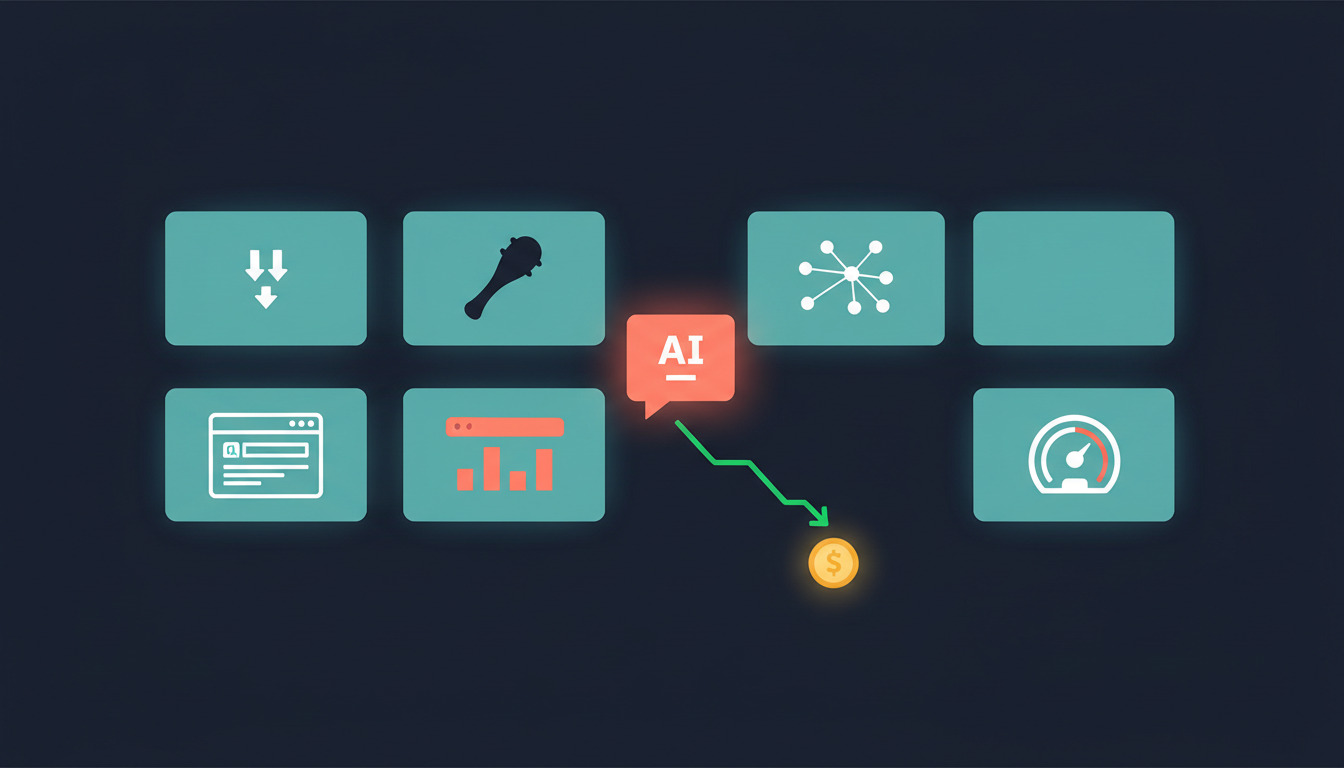
If you use Claude Code seriously, your token budget is the new bottleneck. A long session blows past the context window, an unfiltered npm install dumps 4,000 lines into Claude's view, and the Max plan suddenly feels less generous. The good news: the open-source community has been quietly shipping repos that solve exactly this — compressing terminal output before it reaches the model, building knowledge graphs so Claude reads only what matters, and giving you a real-time view of where your tokens go.
Here are six free GitHub repos worth installing this week. Four of them cut your bill directly. Two help you see where the money is going so you can act on it. For a Max-plan user pushing daily, the combined effect can save $100+ a month. For a Pro user, you mostly get longer sessions and faster context — still worth the install.
Cut your token bill
1. rtk — compress terminal output before it hits Claude
rtk is a Rust CLI proxy that filters and compresses command output before it ever reaches your AI assistant's context. A git status shrinks from 119 characters to 28. A cargo test collapses from 155 lines to 3. An npm install drops from 4,000 lines to about 15. Across common dev commands, the maintainers report 60-90% token reduction.
The trick is straightforward: instead of running git status directly, Claude runs rtk git status, and only the meaningful diff hits the context window. A Claude Code hook can rewrite Bash commands transparently, so you don't have to retrain your muscle memory.
# macOS / Linux
brew install rtk

# Or with cargo
cargo install --git https://github.com/rtk-ai/rtk
Single Rust binary, zero dependencies, MIT licensed. If you only install one tool from this list, install this one.
2. caveman — make Claude talk like a caveman
caveman is a Claude Code skill that rewrites the model's own output to be terse. The spec is exactly what it sounds like: respond like a smart caveman. Cut articles, pleasantries, and filler. Keep all technical substance. Code blocks remain unchanged. Error messages stay quoted exactly. Technical terms stay intact.
The result reads weird at first — fix bug, line 42, null check missing, add `if user`
— but it cuts roughly 75% of output tokens, and once you adjust, you stop noticing. The skill detects 30+ agents, including Claude Code, Codex, Cursor, Windsurf, Cline, and Aider.
# Claude Code (recommended)
claude plugin marketplace add JuliusBrussee/caveman && claude plugin install caveman@caveman

# Universal fallback
npx skills add JuliusBrussee/caveman
If verbose Claude prose is what's chewing through your daily limit, this is the fastest fix on the list.
3. code-review-graph — let Claude read only what matters
code-review-graph tackles a different problem: when Claude has to review a PR or work in a large codebase, it ends up reading half the repo to understand the call graph. This tool parses your repository into an AST with Tree-sitter, stores it as a graph of nodes (functions, classes, imports) and edges (calls, inheritance, test coverage), and at review time computes the minimal set of files Claude actually needs to read.
The published benchmarks show 6.8× fewer tokens on code reviews and up to 49× reduction on daily coding tasks in a Next.js monorepo. Average across six real open-source repos was 8.2×. The initial graph build takes around ten seconds for a 500-file project, and it auto-updates on every file edit and git commit.
pip install code-review-graph
code-review-graph install
The install command auto-detects which AI tools you have and writes the right MCP configuration for each. After installing, restart your editor and ask Claude to build the graph for your project. Worth a closer look in this DEV post.
4. agent-browser — stop re-authenticating every session
agent-browser is a browser automation CLI for AI agents, built by Vercel Labs. It's not a token compressor in the same league as rtk or caveman, but it solves a workflow that wastes more tokens than people realize: re-running the auth flow every time Claude needs to inspect a deployed site, a staging environment, or a third-party dashboard.
Save the auth state once:
agent-browser --auto-connect state save ./my-auth.json
Then reuse it across every future session:
agent-browser --state ./my-auth.json open https://app.example.com/dashboard
Add it to a Claude Code workflow that drives a browser to verify a DeployHQ deploy, check a staging URL, or scrape a logged-in dashboard, and you stop burning tokens on the same login dance over and over.
# Global install
npm install -g agent-browser
agent-browser install

# Or as a Claude Code skill
npx skills add vercel-labs/agent-browser
See where your tokens go
The next two repos don't reduce your usage — they tell you what your usage actually is. That sounds boring until you realise most Claude Code users have no idea which sessions cost them the most or how close they are to a hard limit until the warning hits mid-task.
5. claude-usage — a local dashboard for tokens, costs, and history
claude-usage is a single-page dashboard that runs on localhost:8080, reads your Claude Code JSONL logs locally, and renders Chart.js views of token usage, costs, and session history. It auto-refreshes every 30 seconds and supports model filtering, so you can see at a glance whether your costs are coming from Sonnet runs, Opus reasoning, or cache reads.
It uses only the Python standard library — sqlite3, http.server, json, pathlib — so there's no pip install, no virtualenv to manage, no dependency updates to track. Clone, run, look.
git clone https://github.com/phuryn/claude-usage
cd claude-usage
python3 cli.py dashboard
If you're on a Pro or Max plan, the dashboard adds a progress bar showing where you are against the limit. That single visual changed how a few of us pace work — instead of the model started warning me at 4pm
, you see the burn rate building all morning.
6. claude-usage-monitor — real-time terminal predictions
claude-usage-monitor is the other half of the visibility story. Where claude-usage is a browser dashboard, this is a terminal-resident monitor with live progress bars, current session data, burn-rate analysis, and — the real value — predictions about when you'll hit your session limit based on a 90th-percentile analysis of your last eight days of usage.
It auto-detects your plan, switches modes when you cross thresholds, and shows you cost projections in real time. For a Max-plan user running multiple agents in parallel, it's the difference between session ends mid-refactor with no warning
and you have ~14 minutes of headroom at current burn
.
# Recommended (uv)
uv tool install claude-monitor

# Or pip
pip install claude-monitor
It runs in a side terminal pane and gets out of the way. After a week, you start pacing your day around it.
How these stack
If you only install one, install rtk — terminal output is the cheapest and biggest source of wasted tokens. If you install two, add code-review-graph; for review-heavy workflows it's a step-change, not a marginal improvement. Caveman is the most polarising of the four cost-cutters, but devs who stick with it for a week never go back.
The two visibility tools are complementary, not redundant. claude-usage is the analytical view you check at end of day to understand spend. claude-usage-monitor is the heads-up display you keep open while working. Run both for a week and you'll have a much sharper sense of which prompting habits are expensive and which aren't.
A cleaner token budget also frees up runway for ambitious workflows that previously hit the wall — like driving Claude through a full deploy automation pipeline, generating production SQL queries, or comparing AI CLIs on real codebase tasks. If you're new to Claude Code itself, start with our terminal AI assistant primer, and keep our Claude Code cheatsheet handy for slash commands, hook events, and MCP patterns while installing the tools above. If your sessions are spawning noisy commits, our Co-Authored-By guide shows how to keep history clean. And to keep the model grounded in real, current docs instead of hallucinated APIs, layer in Context7.
A word on the $100/mo
claim
Token-savings posts attract clickbait math. The honest version: rtk's 60-90% reduction on terminal commands and code-review-graph's 6.8-49× reduction on review tasks are real, but they apply to specific kinds of work. If you're a Max-plan user running multi-hour sessions on large codebases — the kind of user who hits the weekly limit before Wednesday — installing rtk and code-review-graph alone will plausibly save you a tier of overage or upgrade pressure each month. That's where the $100 number comes from.
If you're a Pro user occasionally asking Claude to write a unit test, you'll see longer sessions and faster context loading, but you won't recover real cash because you weren't spending it in the first place. Either way, all six repos are free, MIT or similarly permissive, and take under five minutes each to install. The downside is small. Try the four cost-cutters for a week, then add the two monitors and let the data tell you what stuck.
Questions or want to share which combo worked for you? Email support@deployhq.com or hit us up on @deployhq.