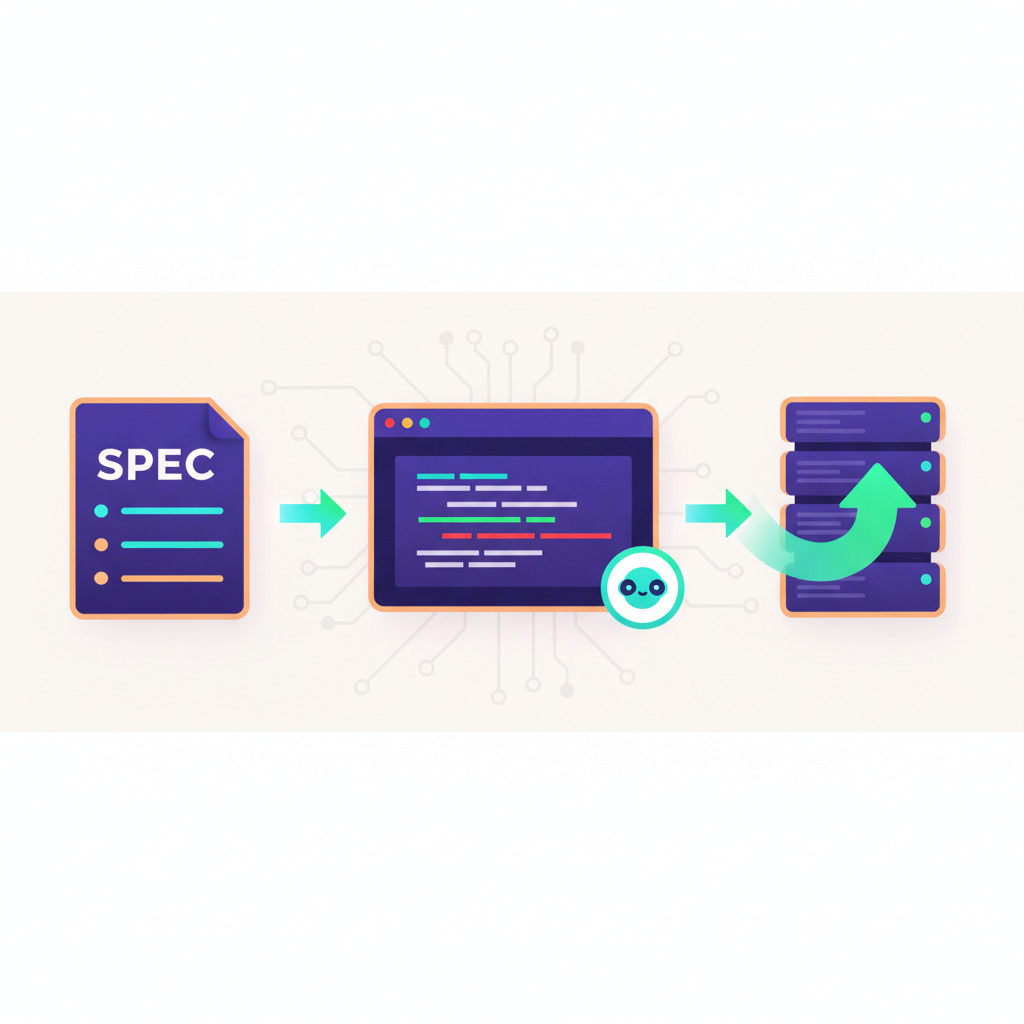
Spec-driven development sounds like a buzzword, but it is the most concrete change to AI coding workflows since chat-based code completion. GitHub's Spec-Kit reached over 90,000 stars within months of release, and Copilot Workspaces is shipping more issue-to-PR runs than its early-access numbers ever suggested. What neither tool covers — and what most blog posts skip — is the part after the PR merges. That is where deployment lives, and it is where the loop either closes cleanly or breaks.
This article walks through what Spec-Kit and Copilot Workspaces actually do, where the deployment gap sits, and how to wire DeployHQ into the post-merge step so a spec really does flow through to a running production change.
What spec-driven AI development actually means
Spec-driven development inverts the usual AI coding flow. Instead of typing a prompt into chat and hoping the agent infers the right structure, you write a structured specification first — what should change, why, what constraints apply — and the agent uses that as its source of truth for planning, implementation, and validation. Code becomes a derivative of the spec rather than the other way around. The point is not ceremony; it is to give the model a stable artifact to refer back to so the same intent produces the same output across sessions, branches, and team members.
Spec-Kit: GitHub's spec-driven framework
Spec-Kit is the open source toolkit GitHub released to make spec-driven development concrete rather than aspirational. After running specify init in a repository, you get a .specify/ directory with templates, scripts, and a memory/ folder containing the project constitution. You also get .github/prompts/ files that surface as slash commands inside Copilot Chat.
The flow is strictly ordered:
/speckit.constitution— Establish immutable principles (testing requirements, architectural rules, security constraints) that apply to every future change./speckit.specify— Describe the feature in plain English. The agent generates a structured spec with acceptance criteria and edge cases./speckit.plan— Translate the spec into a technical plan: stack, file structure, integration points./speckit.tasks— Break the plan into a concrete task list the agent can execute./speckit.implement— Execute the tasks. Code generation happens against the spec, not against ad-hoc prompts.
You cannot skip steps. You cannot run /speckit.plan before /speckit.specify, and /speckit.analyze acts as a consistency check across the constitution, spec, plan, and tasks. The result: a generic prompt like add user invites
expands into a versioned, reviewable spec sitting in your repo before a single line of code is written.
This is fundamentally different from feeding instructions through a CLAUDE.md or copilot-instructions.md file. Those tell the agent how to behave in general; Spec-Kit tells it what to build, specifically, with traceability between intent and output. (For the configuration-file side of agent steering, see our companion piece on writing AI coding agent instructions and the broader rundown of CLAUDE.md, AGENTS.md, and Copilot Instructions.)
Copilot Workspaces: where the spec becomes a PR
Copilot Workspaces takes the same idea and bakes it into GitHub's UI. You start from an issue (or a repo URL with a task description) and Workspaces produces:
- A current state summary — what the codebase does now relative to the issue.
- A proposed specification — the state after resolving the task.
- A plan — the files that need to change and how.
- A diff — the actual code, generated from the plan.
- A PR — opened in a single click, with the spec, plan, and diff attached as context.
Every step is steerable. You edit the spec before the plan is generated. You edit the plan before code is written. You edit the code before the PR opens. Reviewers see the original intent baked into the PR, which gives a meaningful why
alongside the diff — something a typical PR description rarely provides.
Workspaces sits in the same family as the agentic flows we covered in agentic workflows explained, but it is more constrained: a fixed pipeline (issue → spec → plan → diff → PR) rather than an open-ended agent loop.
The deployment gap
Here is the part nobody talks about. Spec-Kit ends at /speckit.implement — code on disk. Workspaces ends at PR opened.
Both stop at the repository boundary.
What happens after merge?
In a healthy team, merge to main triggers a deployment pipeline that builds the change, runs tests, and ships it to staging or production. In most teams running spec-driven flows today, that pipeline is either a hand-rolled GitHub Actions workflow with hardcoded SSH steps, a CI/CD product wired to a single environment, or — surprisingly often — a manual deploy someone runs after lunch.
The spec-driven loop is only complete when the spec produces a deployed change. Otherwise the agent has shipped a PR; a human still has to ship the software. That gap is where DeployHQ fits.
Wiring DeployHQ into the post-merge step
DeployHQ deploys directly from your Git repository — GitHub, GitLab, Bitbucket, or self-hosted — to any number of servers and environments. It is the piece that runs after the PR merges, with no SSH keys to manage, no runners to babysit, and no bespoke shell scripts to maintain.
The integration is straightforward. Connect your repository, define a project, and configure a server target. Then configure deployment triggers in one of two ways:
Option 1: Auto-deploy on branch push. In your DeployHQ project settings, enable automatic deployments for the main branch. Once the Workspaces-generated PR is merged, DeployHQ picks up the new commit and deploys it. No GitHub Actions changes required.
Option 2: Trigger from CI. If you want tests to gate the deploy, add a step to your existing CI workflow that calls DeployHQ's API after tests pass:
- name: Trigger DeployHQ deployment
  if: github.ref == 'refs/heads/main' && success()
  run: |
    curl -u "${{ secrets.DEPLOYHQ_USER }}:${{ secrets.DEPLOYHQ_API_KEY }}" \
      -X POST \
      -H "Content-Type: application/json" \
      -d '{"deployment":{"parent_identifier":"${{ github.sha }}","environment":"production"}}' \
      https://YOUR_ACCOUNT.deployhq.com/projects/PROJECT_ID/deployments.json
For repeatable post-deploy work — cache warming, migrations, asset uploads — define those once in DeployHQ's build pipelines, and they run on every deployment without anyone editing a YAML file again. Combined with automatic deployments from Git, the spec-driven loop now has a real terminal step.
A spec-driven loop in practice
Here is a real trace from a feature shipped this way — adding rate limiting to an internal API.
- Issue:
Add rate limiting to the `/api/v1/quotes` endpoint. 100 req/min per API key. Return 429 with `Retry-After` header on overage.
- Spec (Workspaces): Identifies the endpoint in
app/controllers/quotes_controller.rb, proposes middleware inapp/middleware/rate_limiter.rb, lists the cache layer (Redis, already configured), and adds three test cases including the boundary at exactly 100 requests. - Plan: Three file changes, one new file, one config update.
- Code: Generated; reviewer tightens the error response copy and adds a
RateLimit-Remainingheader. - PR: Opened with spec, plan, and diff attached.
- CI: RuboCop, RSpec, and a Brakeman security scan all pass.
- Merge: Squash to
main. - DeployHQ: Auto-deployment triggers. Build pipeline runs
bundle installwith cached gems, restarts the Puma workers via the post-deploy hook, and warms the Redis rate-limit keys. Total time from merge to production: 2 minutes 14 seconds.
The whole loop — issue to running code — is auditable. The spec is in the PR. The deployment is in DeployHQ's logs with the same commit SHA. If something breaks, one-click rollback reverses the deploy without rebuilding the artifact.
What works and what doesn't
Honest assessment after several months of running this in practice.
What works:
- Specs catch ambiguity early. Half the issues that used to produce three rounds of PR review now get clarified during the
/speckit.specifystep. - Reviewers move faster. A PR with the original spec attached is reviewed in roughly half the time of a bare diff, in our internal numbers.
- The constitution stops drift. A
/speckit.constitutionrule likeall new endpoints must have rate limiting
actually gets applied because the agent reads it before every plan. - Auto-deploy from
mainmakes the loop real. Nobody waits on a human to run a deploy script.
What doesn't:
- Generated specs are still verbose. Expect to delete 30-40% of the auto-generated spec text before it is useful. The agent over-specifies obvious things.
- Multi-repo changes break the model. Both Spec-Kit and Workspaces assume a single repository. Anything spanning a frontend and a backend repo needs two flows, manually coordinated.
- The agent does not understand your deploy pipeline. It generates code that compiles. Whether your build pipeline tolerates the new dependency, or whether your server has the right runtime version, is still your problem. Define those constraints in the constitution or they get ignored.
- PR-to-deploy still needs a human checkpoint for anything customer-facing. The agent is good at code; it is not good at judging blast radius.
When to use Spec-Kit vs Claude Code vs Cursor
These are not interchangeable.
- Spec-Kit + Copilot Workspaces — Best for well-scoped feature work where the issue is the source of truth and you want an auditable trail from intent to PR. Strongest in teams that already work issue-driven and want the spec to live in the repo. Weakest for exploratory work where the spec changes mid-implementation.
- Claude Code — Best for free-form exploration, large refactors, and work that spans the codebase in ways that resist upfront specification. Strong CLI ergonomics, weaker GitHub integration. See our comparison of Claude Code, OpenAI Codex, and Gemini CLI for the head-to-head.
- Cursor / Windsurf agentic flows — Best for editor-resident, single-developer iteration. The
spec
lives in the chat history rather than a versioned file. Faster for solo work, harder to audit on a team.
For pipeline integration of any of these, the patterns in AI agents in CI/CD pipelines and the DeployHQ Agents documentation cover how to plug agent output into the deploy step regardless of which tool generated the code.
The takeaway
Spec-driven development is not a replacement for engineering judgment, and it is not going to make your team ship twice as fast on day one. What it does is make the chain from idea to deployed software auditable. The spec is reviewable. The plan is reviewable. The diff is reviewable. The deployment is logged with the same commit SHA. When something breaks, you can trace the failure backward through that chain instead of guessing.
The loop only closes when the deployment step is automated. Spec-Kit and Workspaces handle the first 80%. DeployHQ handles the last 20% — the part where running code matters more than reviewed code.
If you want to see this in action, start a free DeployHQ trial and connect it to a repo where you are already running Spec-Kit or Workspaces. The first auto-deploy after a Workspaces-generated PR is the moment the spec-driven loop actually starts feeling real.
Questions, war stories, or a setup you want help with? Email us at support@deployhq.com or find us on X / Twitter.