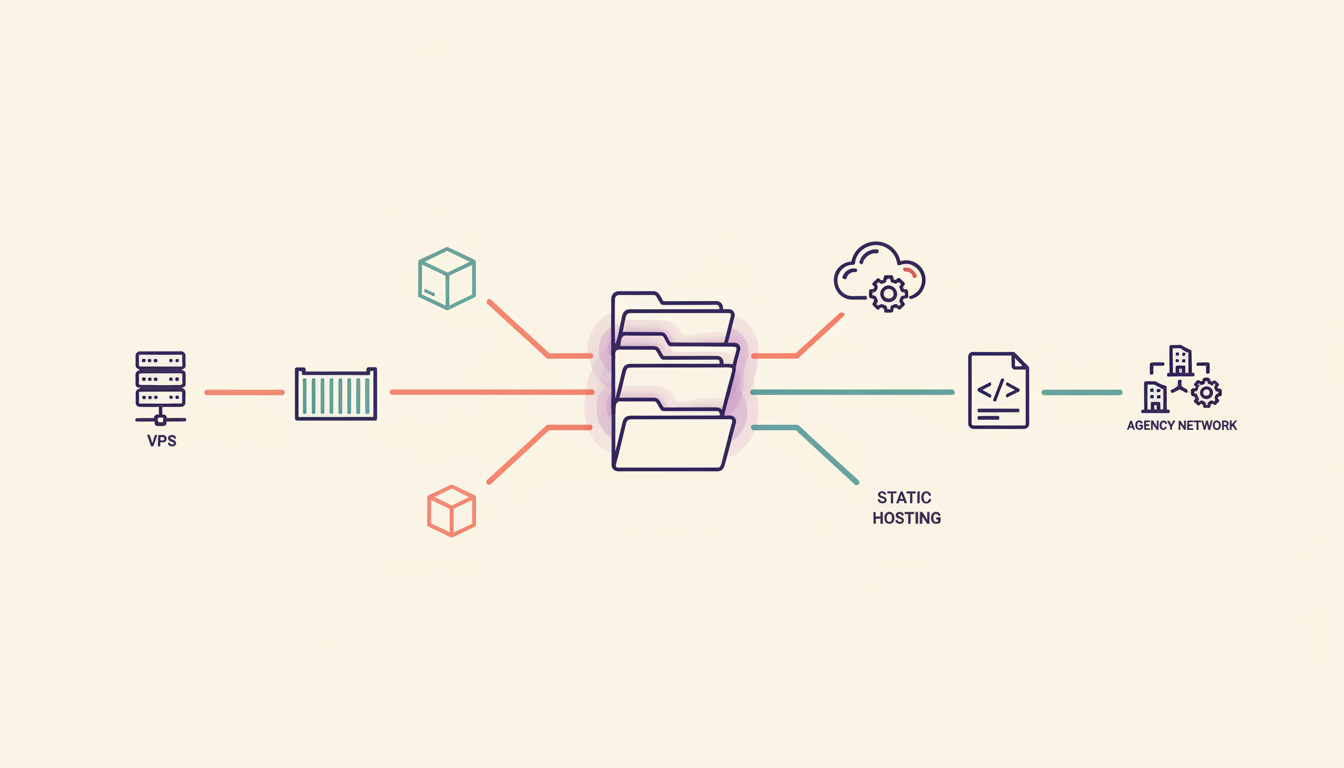
So you've built your site with Kirby CMS and you're ready to ship it — but Kirby's flat-file architecture means hosting choices that work for WordPress (databases, shared cPanel boxes) aren't always the best fit. This guide breaks down five proven ways to deploy Kirby in 2026, with real pricing, PHP requirements, and the operational tradeoffs we've seen running automated deployments for thousands of PHP sites.
Kirby CMS hosting requirements (the short version)
Before picking a host, make sure it meets Kirby's baseline:
- PHP 8.1+ with
mbstring,ctype,curl,gd(orimagick), andjsonextensions enabled - Apache or nginx with
mod_rewrite(or equivalent rewrite rules) so Kirby's routing works - Writable
content/,media/,site/accounts/, andsite/sessions/directories — Kirby writes content as flat files - No database needed — that's the whole point of a flat-file CMS, and it's why your hosting bill can be smaller than a comparable WordPress setup
- A Git workflow if you want sane deploys — flat-file content lives next to your code, so
git pushcan ship both
That last point matters more than people realize. Because Kirby stores pages as YAML/Markdown files inside content/, your repo is your CMS. That makes Kirby unusually well-suited to Git-based deployment on a VPS — there's no wp_posts table to migrate between staging and production.
With that out of the way, here are the five hosting routes worth considering.
1. VPS (Virtual Private Server)
A VPS gives you complete control over your hosting environment, making it an excellent choice for developers who want to fine-tune their Kirby setup. Popular providers include DigitalOcean and Hetzner. For a worked Hetzner walkthrough on a sister flat-file PHP CMS, see how to deploy Craft CMS on Hetzner Cloud.
Pricing: Starts at $4–6/month for basic servers (Hetzner CX23, DO basic droplet). Hetzner pricing reflects the 15 June 2026 price adjustment and is current as of September 2026, excluding VAT.
Features
- Full root access to your server
- Choice of operating system (Ubuntu 24.04 LTS recommended for Kirby)
- Custom PHP-FPM and nginx tuning
- Ability to host multiple sites on one box
- Shell access for direct server management
Pros
- Complete control over the environment (PHP version, OPcache, memory limits)
- Better performance — dedicated CPU and RAM, no noisy neighbours
- Cost-effective for multiple sites; one $6/month box can comfortably host 3–5 small Kirby sites
- Full control over security measures (firewall, fail2ban, automatic updates)
Cons
- Requires DevOps knowledge — you own the OS, the web server, and the SSL renewal
- Manual server maintenance (kernel updates, log rotation, backups)
- No automatic CI/CD out of the box — you'll bolt on something like DeployHQ, GitHub Actions, or a
git pullcron - Manual SSL setup (Let's Encrypt + certbot is the usual answer)
A VPS is the most flexible option, especially if you're moving up from shared hosting and want serious performance for not much money. The catch: you're now a sysadmin.
2. DeployHQ + your VPS (the recommended path)
DeployHQ is a deployment platform that bridges the gap between your Git repository and any server, giving Kirby sites push-to-deploy without the GitHub Actions YAML rabbit hole.
Pricing: Free tier (10 deploys/month, 1 project), $9/month for unlimited deployments
Features
- Zero-downtime deployments using atomic symlink swaps (the same pattern Capistrano popularised)
- Deploy directly from GitHub, GitLab, or Bitbucket
- Multiple environment support (staging, production) — see managing dev/staging/production
- One-click rollback when a deploy goes sideways
- Build pipelines for
composer install, asset compilation, etc. - Excludes
content/,media/, andsite/accounts/from deploys by default so the Panel's edits don't get clobbered
Pros
- Works with any host you already have (cheap VPS, managed PHP host, even some shared hosts with SSH)
- Setup usually under 10 minutes
- Free tier is genuinely usable for a single Kirby site
- Atomic deploys mean visitors never hit a half-deployed site mid-
composer install
Cons
- You still need somewhere to host (DeployHQ doesn't run your code, it ships it)
- A bit of one-time setup to wire up SSH keys and exclusions
Read the complete guide to deploying Kirby with DeployHQ, or follow our step-by-step Kirby deployment tutorial for a hands-on walkthrough — including how to keep content/ out of your deployment payload so the Kirby Panel's writes survive each deploy.
3. Dokku (self-hosted PaaS)
Dokku is an open-source Platform-as-a-Service that acts like a mini-Heroku on your VPS. It uses Docker containers and Git workflows, making it a strong fit if you're already comfortable with Docker.
Pricing: Free (open-source) — you only pay for the VPS underneath ($5–10/month)
Features
- Git-based deployments (
git push dokku main) - Docker container management with the official PHP buildpack or your own
Dockerfile - Automatic SSL via the Let's Encrypt plugin
- Zero-downtime deployments (Dokku does blue/green by default)
- Multiple environment support on one host
Pros
- Free and open-source — no per-deploy fees
- Great when you're hosting multiple apps; each gets its own container
- Docker isolation means a bad deploy on one site can't take down the others
Cons
- Requires DevOps knowledge to install and maintain Dokku itself
- Needs a VPS to host (no managed Dokku service exists)
- Docker layer adds memory overhead — a $5 VPS gets cramped fast with 3+ apps
- Kirby's writable directories need explicit Docker volumes, otherwise Panel edits vanish on the next deploy (a classic gotcha)
Want to get started? Check the official guide for deploying Kirby with Dokku.
4. Managed PHP hosting (Krystal, Fortrabbit, etc.)
Managed hosts handle the OS, PHP-FPM, SSL, and backups — you upload code (often via SFTP or Git) and they take care of everything below. Krystal.io is one of the more developer-friendly options; Fortrabbit explicitly markets itself for Kirby and Craft CMS.
Pricing: Starts at $11/month (Krystal), $20/month (Fortrabbit App XS
)
Features
- Up to 5 sites on entry plans (Krystal)
- 25GB+ storage typical
- Free SSL certificates and automatic renewals
- Daily backups
- Customer support that actually answers PHP questions
Pros
- Easier to set up than a VPS — no
sudo apt installinvolved - Excellent customer support on the developer-focused hosts
- No need to worry about kernel patches, log rotation, or fail2ban
Cons
- 2–3× more expensive than a VPS for equivalent compute
- Limited performance options (fixed PHP-FPM pool sizes, no custom OPcache tuning)
- No full control over the server — if you need a specific PHP extension that isn't pre-installed, you're stuck
Managed hosting is the right answer when developer time is more expensive than the hosting bill. For agencies running ten Kirby sites for clients, the math often works out — but you'll still want zero-downtime deploys on top via DeployHQ rather than SFTP-overwrite-the-files.
5. GitHub Pages (static export)
While Kirby normally requires PHP, you can deploy it as a static site to GitHub Pages by pre-rendering the whole site at build time. It's a hack — but for marketing sites and portfolios, it works surprisingly well.
Pricing: Free for public repos, included with GitHub paid plans for private repos
Features
- Automated builds via GitHub Actions
- Free SSL certificates
- Global CDN through GitHub's infrastructure
- Version control for your content (the build output is committed)
- Automatic deployments on
git push
Pros
- Completely free hosting
- Excellent performance — static files served from a CDN
- Zero server maintenance
- Perfect for content-rare, traffic-spiky sites (a launch post on Hacker News won't bring it down)
- Reliability backed by GitHub's infrastructure
Cons
- No Panel — content has to be edited in code/Markdown, then pushed
- Dynamic features (forms, search, comments) won't work without a third-party service
- Not all Kirby plugins are compatible with the static export
- Build time scales with site size — a 1,000-page Kirby site can take minutes to render
To set it up, use the kirby-static-site GitHub Action, which uses kirby3-static-site-generator under the hood.
Decision matrix: which path is right for you?
Pick the column that matches your situation:
| Need | Best option | Why |
|---|---|---|
| Cheapest possible (and you'll edit in code) | GitHub Pages | Free, fast, but no Panel |
| Cheapest with Panel | VPS + DeployHQ | $6 VPS + free DeployHQ tier |
| Multiple sites, you know Docker | Dokku on a VPS | Container isolation + Git push |
| Multiple sites, you don't want sysadmin work | Managed (Krystal/Fortrabbit) + DeployHQ | Ops handled, atomic deploys layered on top |
| Single high-traffic site | VPS + DeployHQ + CDN | Full control, no platform tax |
| Agency with 10+ client sites | Managed PHP host + DeployHQ | Consistent ops + per-client environments |
When picking your solution, also ask:
- How comfortable are you with DevOps work and server administration?
- What's your monthly budget — and is it just hosting, or hosting + your own time?
- Will you need a staging environment? (For Kirby, the answer is almost always yes — you don't want to test plugin updates against a live Panel.)
Our recommendation: start with a $6/month VPS plus the DeployHQ free tier. It's flexible enough for almost every Kirby project, costs less than a coffee per month, and gives you push-to-deploy with rollback. Sign up for DeployHQ to get started.
FAQ
What are Kirby's exact PHP version and extension requirements?
As of Kirby 4.x (current major version), you need PHP 8.1 or newer with these extensions: mbstring, ctype, curl, json, and either gd or imagick for image processing. PHP 8.2 and 8.3 are both supported and recommended for new projects. Older PHP versions (7.x) are not supported by Kirby 4.
Can I self-host Kirby on a Raspberry Pi or home server?
Yes — Kirby's flat-file architecture means it runs fine on a Raspberry Pi 4 with 2GB RAM under nginx + PHP-FPM. The constraint is usually bandwidth and uptime, not compute. For a public site, a $4 VPS is more reliable; for a private intranet or family wiki, a Pi works well.
Kirby vs WordPress — which deploys more easily?
Kirby is significantly easier to deploy via Git than WordPress because it has no database. With WordPress, you have to coordinate code deploys with database migrations and worry about the wp_options.siteurl mismatch between environments. Kirby's content is just files in content/, so a git push (or a DeployHQ deploy) ships everything atomically. WordPress remains more popular and benefits from a larger plugin ecosystem.
What are the benefits of using Kirby for developers?
Kirby is open-source on GitHub and designed for extensibility, with a headless mode and built-in RESTful API for content and user management. Developers can add functionality with plugins or write their own in PHP — and because there's no database, plugin development is mostly file I/O instead of SQL gymnastics.
For more details, check out Kirby for Developers.
Is Kirby CMS suitable for large-scale websites?
Yes. Kirby handles large-scale projects, with documented sites running over 65,000 pages. For very large sites, enable Kirby's built-in caching and consider a CDN in front; flat-file lookups don't scale linearly forever, but the breaking point is much higher than most projects ever reach. See the Kirby Performance docs.
Is Kirby CMS open source? Is it free?
Kirby's source code is open source on GitHub under a custom license. It is not free for commercial use — for any for-profit project you need to purchase a license (one-time fee, perpetual). Personal sites, free non-profits, and trial/development environments don't require a license.
Can I run Kirby in Docker?
Yes — and it's a clean fit because Kirby is just PHP files. The official PHP Docker images plus a small Dockerfile are enough to get going. The non-obvious part is mounting content/, media/, site/accounts/, and site/sessions/ as Docker volumes so Panel writes survive container restarts. Once you've solved that, options 1, 3, and 4 above all work with Docker — Dokku is the most opinionated, a plain VPS gives you the most control.
Need help deploying Kirby? Email us at support@deployhq.com or follow @deployhq on X for deployment tips and product updates.