Most guides for connecting an AI coding agent to Postgres stop at the connection string. Point DBHub at a DSN, restrict the user to SELECT, done. That advice is correct, and we've written the step-by-step version of it for SQL Server, MySQL, PostgreSQL and SQLite.
It stops working the moment your Postgres is managed.
Neon and Supabase both ship their own MCP servers, and those servers do things a generic SQL bridge structurally cannot: create database branches, list projects, run migrations, inspect auth configuration. The connection layer isn't a DSN any more — it's a hosted endpoint with an OAuth flow and a permission model. And the safety question changes shape with it, because give the agent read-only access
has no answer for a task whose entire purpose is to write.
This guide covers what actually differs: the two servers' setup and permission models, the branching distinction that most comparisons miss, and the connection-level traps that break agent workflows on managed Postgres.
Why managed Postgres breaks the DBHub pattern
DBHub is a generic bridge. You hand it a connection string and it exposes SQL over MCP. That's the right tool when you own the database — a local Postgres, a container, a VPS. It's also engine-agnostic, which is why the same pattern carries across to MySQL and SQLite with only the DSN changing.
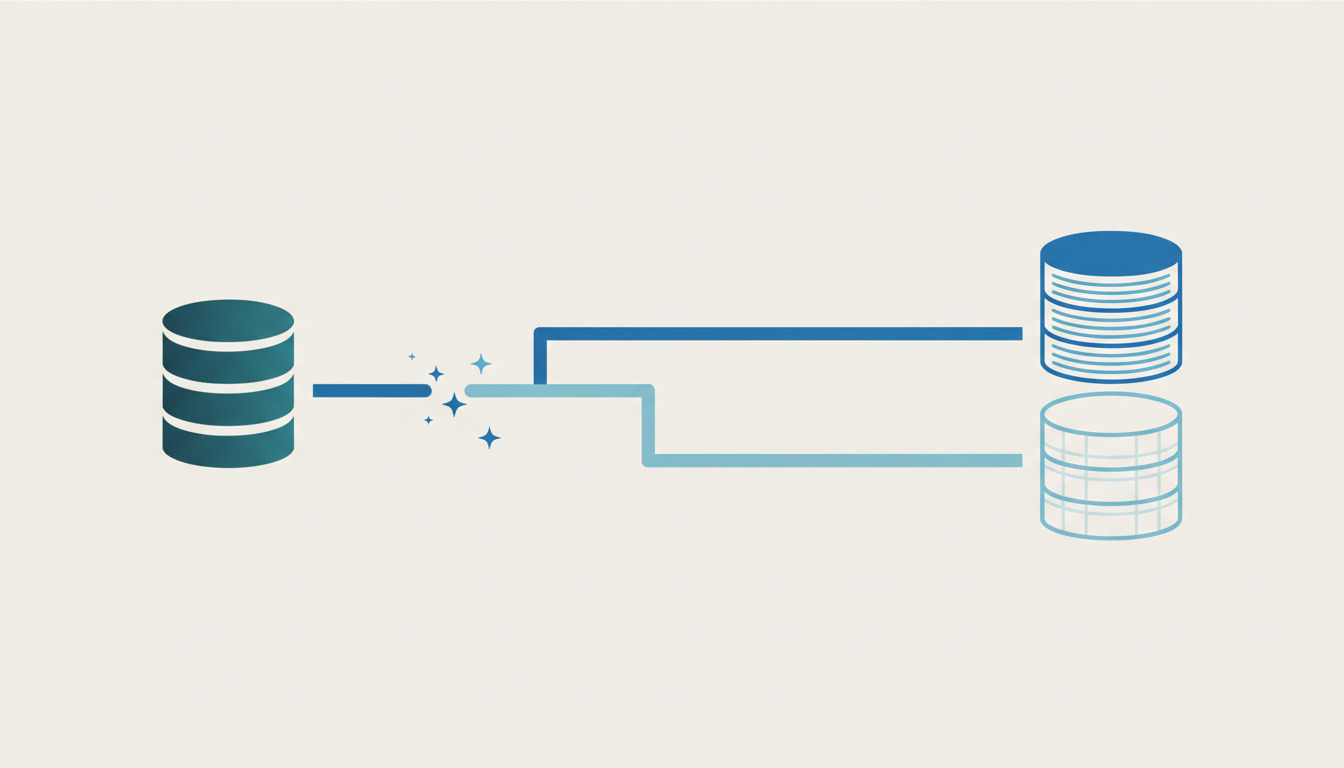
Managed platforms invert this. The database is one resource among several — projects, branches, connection poolers, auth settings, storage — and the interesting agent workflows involve the platform, not just the SQL. Create a branch, apply this migration to it, and tell me what broke
is not a query. No DSN-based tool can express it.
That's why both vendors ship first-party servers, and why this is a different setup rather than a different connection string.
Neon
Neon's CLI handles installation:
npx neon@latest mcp
npx neon@latest plugins bundles the MCP server together with agent skills for Cursor, Claude Code and Codex, and npx neon@latest init sets up the server, the skills, and a linked project in one step.
The hosted server lives at https://mcp.neon.tech/mcp. Authentication is OAuth or an API key passed as Authorization: Bearer <YOUR_NEON_API_KEY>. The OAuth flow lets you select read-only scope at authorization time.
Three query parameters control the surface area:
?readonly=true— per Neon's docs,SELECT queries and schema inspection remain available. Write operations (creating branches, running migrations, modifying auth config) are disabled.
?projectId=<your-project-id>— scopes operations to a single project and disables cross-project search.?category=<name>— repeatable, restricts active tools to categories such asqueryingorschema.
Supabase
Supabase's server is hosted only — nothing to install, no connection string to paste:
claude mcp add --scope project --transport http supabase "https://mcp.supabase.com/mcp"
For Cursor and Windsurf, the equivalent .cursor/mcp.json entry:
{
  "mcpServers": {
    "supabase": {
      "type": "http",
      "url": "https://mcp.supabase.com/mcp"
    }
  }
}
Configuration happens in the URL rather than through flags. ?read_only=true executes every query as a read-only Postgres user, ?project_ref=<id> scopes to one project and disables account-level tools, and ?features=<groups> enables only specific tool groups. They stack: ?project_ref=abc123&read_only=true.
Authentication uses dynamic client registration, so no personal access token is needed for local use — you approve the connection in a browser. CI is the exception, passing a token via an Authorization: Bearer header.
The practical difference at setup time: Neon gives you a CLI that wires up skills and a project alongside the server; Supabase gives you a URL and pushes all configuration into query parameters. Neither is harder, but the Supabase model means your permission settings live in the MCP config rather than in a database role — worth knowing when you audit who can do what.
Read-only or a branch? It's a task-type question
There's a tempting story here: branching makes read-only obsolete, because instead of restricting the agent you hand it a disposable copy.
Both vendors' own documentation contradicts that.
Supabase lists branching as one of five layered mitigations — alongside read-only mode, project scoping, restricted feature groups and narrow queries, not instead of them. Neon goes further and stacks read-only on top, describing its read-only mode as a Good default for exploration.
The useful distinction isn't read-only versus branching. It's what the task is:
| Task shape | Example | Right mechanism |
|---|---|---|
| Read | Why did signups drop last Tuesday? |
Read-only + project scoping |
| Write | Apply this migration and tell me what breaks |
A branch — read-only cannot help, because writing is the task |
Read-only is a complete answer for investigation. It is not an answer at all for schema changes, migrations, or destructive refactors, because those tasks fail closed under it. That's the gap branching fills — and it's why the two mechanisms are complements rather than alternatives.
If your work is mostly the first row, you don't need any of the branching material below; you need a properly scoped read-only role, which we cover in read-only database roles and MCP guardrails for AI agents.
The branching difference nobody spells out
Here's where Neon and Supabase stop being interchangeable, and it's the single most important thing to know before you pick one for agent work.
Neon branches carry data. Per Neon's docs, A branch is a copy-on-write clone of your data,
and By default, branches are created with all of the data that existed in the parent branch.
You can branch from a current or past state, within a history window that depends on plan — 6 hours on Free, 1 day on paid by default, configurable up to 7 days on Launch and 30 days on Scale. Neon also supports schema-only branching for cases where the data itself is too sensitive to clone.
Supabase branches do not. Per Supabase's docs, By default, new branches do not start with any data or storage objects from your main project.
This is deliberate — the docs state it is meant to better protect your sensitive production data.
Getting data in requires a seed file via the GitHub integration, or the Include data option when creating a branch from the dashboard.
For the specific workflow of handing an agent a realistic, disposable copy of production, Neon does this natively and Supabase deliberately does not. That isn't a bug in Supabase; it's a defensible default that trades convenience for blast-radius control. But it means the same prompt produces very different results on the two platforms: on Neon the agent is reasoning about your actual data distribution, on Supabase it's reasoning about an empty schema unless you did extra work first.
Two further details worth having straight, because they're easy to conflate:
- Supabase branching itself is not plan-gated. The docs note you can deploy from GitHub on any plan. It's the MCP branching tools —
create_branch,list_branches,merge_branchand friends — that are labelledBranching (experimental)
and require a paid plan. The feature and the agent's access to the feature are separate questions. - Supabase preview branches are ephemeral, automatically deleted when a PR is merged or closed. Persistent branches are the long-lived option for staging or QA and survive PR closure.
Ready to put the results somewhere? DeployHQ's build pipelines can run the migration your agent just validated on a branch, with one-click rollback if it misbehaves in production.
Connection gotchas that break agent workflows
Most my agent can't connect
reports on Supabase trace back to the connection matrix rather than to MCP at all. Supabase's docs lay it out:
| Connection | Host / port | Stack | Notes |
|---|---|---|---|
| Direct | db.[ref].supabase.co:5432 |
IPv6 | Best for migrations and pg_dump |
| Shared Pooler (Supavisor), session mode | aws-[region].pooler.supabase.com:5432 |
IPv4 | |
| Supavisor, transaction mode | :6543 |
IPv4 | For serverless/edge; does not support prepared statements |
| Dedicated Pooler (PgBouncer) | db.[ref].supabase.co:6543 |
— | Paid plans, transaction mode only |
Three traps follow from that table:
- The direct connection is IPv6. If your machine, CI runner, or container network is IPv4-only, it simply won't resolve — and the error surfaces as a generic connection failure, not as
you need IPv6.
- The IPv4 add-on is not dual-stack. Per the docs it swaps the AAAA record for an A record. Enabling it doesn't give you both; it moves you.
- Transaction mode doesn't support prepared statements. Plenty of ORMs and query builders use them by default, so a tool that works against port 5432 can fail against 6543 with an error that says nothing about pooling.
The equivalent trap on the MySQL side is auth plugins and socket-versus-TCP resolution, covered in the MySQL guide linked earlier.
What neither vendor will let you do
Both sets of docs are unambiguous about production, and they're worth quoting rather than paraphrasing.
Neon: We recommend MCP for development and testing only, not production environments,
and Never connect MCP agents to production databases,
and Avoid exposing production or PII data; use anonymized data only.
Supabase's framing is a warning rather than a prohibition — it tells you to scope the server to one project, enable read-only mode, restrict feature groups and use the narrowest possible query before connecting anything that holds real data. It also names prompt injection as the primary attack vector unique to LLMs,
with a worked example in which a support ticket's contents are treated as instructions by the agent reading it.
That last point is the one people underrate. A read-only role protects your data from the agent's mistakes. It does not protect you from an agent that faithfully executes instructions embedded in the rows it was asked to read. Scoping and read-only mode reduce what a successful injection can accomplish; they don't prevent the injection.
The practical consequence: production database changes should not be a thing an agent does interactively. They should be a thing your pipeline does, from a migration that was reviewed and tested — ideally on a branch. If you want agents involved in that pipeline, running them headless in CI/CD is the shape that works, because the output is a reviewable artefact rather than a live connection.
Which one to reach for
Neither platform is better in general. They diverge on one axis that matters for agent work:
- Choose Neon when you want the agent working against realistic data. Copy-on-write branches with data, point-in-time branching, and schema-only branches when the data is too sensitive to clone.
- Choose Supabase when your work is schema-shaped rather than data-shaped, or when data-less-by-default is exactly the property you want. Expect to wire up seeding if you need realistic data in a branch.
If you're still choosing a database rather than an MCP server, the DSN-based path in the pillar guide linked at the top covers self-hosted Postgres, and our roundup of the best MCP servers for Claude Code puts these in context alongside the rest of a working setup.
Once your agent has validated a migration on a branch, DeployHQ takes it the rest of the way — build pipelines to run it, and one-click rollback for when the branch was more optimistic than production.
Questions about wiring this into your deployment pipeline? Email us at support@deployhq.com or find us on X.