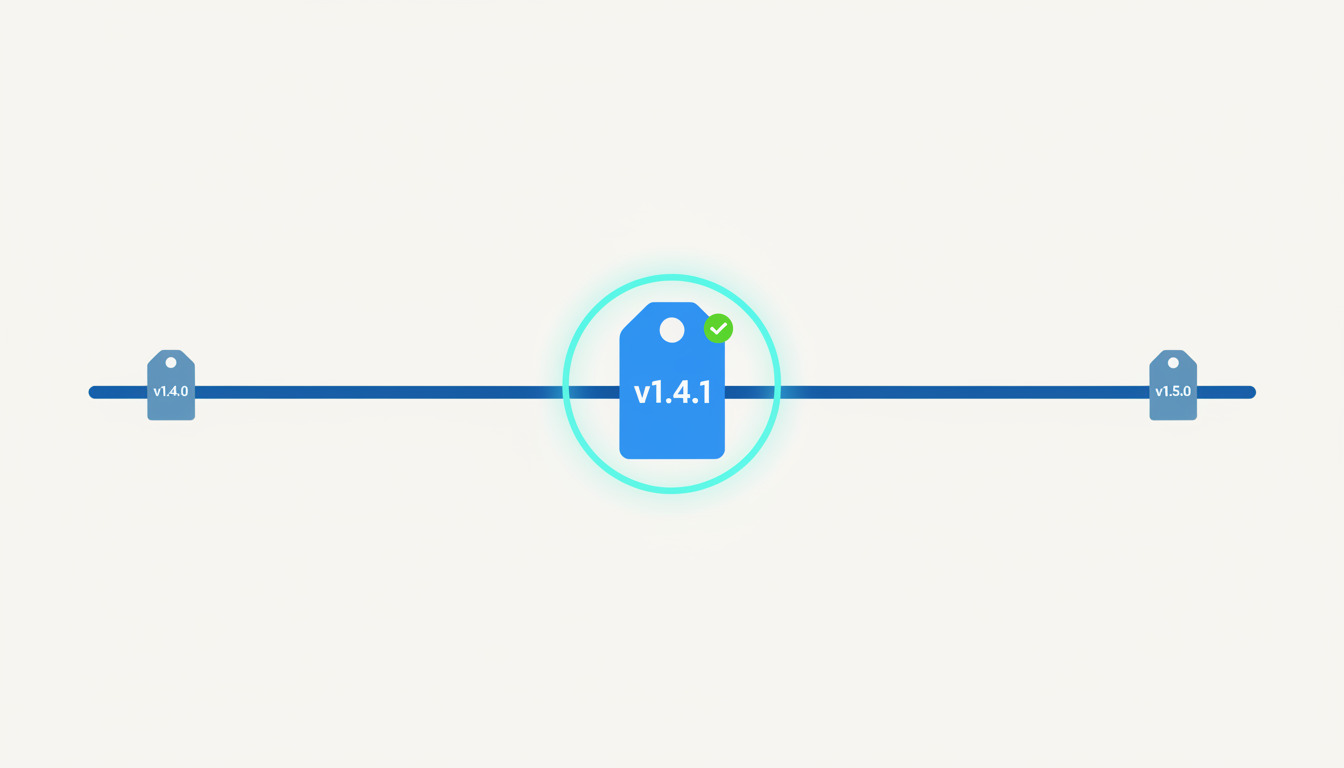
Version numbers are a promise. 2.3.1 tells the next person (or the next script) what kind of change they are about to take on. Semantic versioning is the convention that makes that promise readable, and when you pair it with Git tags, a deployment tool can ship exactly that version, and go back to the previous one when a release misbehaves.
This guide covers the part most SemVer explainers skip: what happens after you pick the number. You will tag a release, deploy the tag, patch an older release without disturbing main, and roll back, with the trade-offs for teams that deploy several times a day.
Semantic versioning in one paragraph
A semantic version has three numbers, MAJOR.MINOR.PATCH, as defined in the Semantic Versioning 2.0.0 specification. You increment:
| Bump | When | Example |
|---|---|---|
| MAJOR | You make an incompatible change to the public API | 1.4.2 to 2.0.0 |
| MINOR | You add functionality in a backwards-compatible way | 1.4.2 to 1.5.0 |
| PATCH | You make backwards-compatible bug fixes | 1.4.2 to 1.4.3 |
Three details from the spec trip people up:
- Lower numbers reset: when MINOR goes up, PATCH goes back to 0, and when MAJOR goes up, both reset.
- Pre-release versions use a hyphen (
2.0.0-rc.1) and sort before the release they precede. Build metadata uses a plus sign (1.4.2+build.7) and is ignored when comparing versions. - Versions
0.y.zare for initial development, and anything may change at any time.
The spec also says that once a version is released, its contents must not be modified; any change ships as a new version. Keep that rule in mind, because it decides how you treat Git tags later.
Where SemVer earns its keep, and where it is theatre
SemVer encodes compatibility for consumers. That makes it valuable when someone else depends on your interface:
- Libraries, packages and SDKs. Your users' dependency ranges (
^1.4.0) rely on you bumping honestly. - Public or partner APIs. A MAJOR bump is the signal to read the migration notes. If you version an API, our guide to rolling out breaking changes safely with API versioning covers deprecation windows and rollout patterns.
- Anything with a changelog people read, such as self-hosted products or mobile apps with store review.
It is much weaker for a website or internal web app that deploys on every merge. Nobody consumes v2.31.0 of your marketing site, so debating whether a copy change is a PATCH or a MINOR is wasted effort. For those projects, a version is just a label for what is running
, and a monotonically increasing tag, a date-based tag or the commit SHA does the same job with no debate. The useful question is not is this a minor?
but can I name, deploy and restore exactly this state?
You can still tag every release in a continuously deployed app. You just do not need to agonise over what the number means.
Let commit messages choose the number
If you do want SemVer, take the decision away from humans. With Conventional Commits, a fix: commit maps to a PATCH, a feat: commit to a MINOR, and a BREAKING CHANGE footer (or !) to a MAJOR. Tools such as semantic-release read the history since the last tag and compute the next version for you; that post walks through the setup with commitlint and Husky, so we will not repeat it here.
The relevant point for deployments: the version bump becomes a by-product of how you write commits, and the tag that results is what your deployment tool consumes.
Tagging a release in Git
A tag is a permanent, human-readable name for a commit. Use annotated tags for releases, because they store the tagger, date and a message:
# Tag the current commit
git tag -a v1.5.0 -m "Release 1.5.0: add CSV export"

# Tags are not pushed by default. Push the one you made
git push origin v1.5.0

# Or push your commits plus any annotated tags that point at them
git push --follow-tags

# See what you have
git tag -l "v1.*"
git describe --tags
Lightweight tags (git tag v1.5.0 with no -a) are just a pointer with no metadata. They work, but annotated tags give you an audit trail. The git tag command reference lists the remaining options, including deleting and listing tags.
Two habits that save you later:
- Prefix with
v(v1.5.0) and be consistent. Mixed1.5.0andv1.5.0tags confuse both people and tooling. - Never move or re-create a published tag. That is the Git version of editing a released version, and it breaks anyone, or any server, that already deployed the old meaning of that name. If
v1.5.0is wrong, shipv1.5.1.
Deploying a tag instead of a branch
Deploying from a branch means whatever is at the tip right now
. Deploying a tag means exactly this commit
, which is what makes a release reproducible. DeployHQ supports deploying from tags: our post on deploying with tags and the deploying using tags support article cover the steps.
A workable pattern for versioned releases:
- Merge to
mainas normal and let CI run. - When you are ready to ship, tag the release commit (
git tag -a v1.5.0 ...) and push the tag. - Deploy that tag to staging, check it, then deploy the same tag to production.
Step 3 is the point. Because staging and production receive the same tag, you are shipping the thing you tested, not a newer main.
Skip the manual step. DeployHQ's automatic deployments from Git deploy on push, so a merge to your release branch ships without anyone clicking anything.
Patching an older release with a release branch
Sometimes main has moved on to 1.6 work but production, or a customer on an older line, needs a fix for 1.5. This is where a short-lived release branch earns its place. It is a narrow use of the idea, and our branching strategies guide covers when a team should adopt release branches in the first place:
# Branch from the tag you want to patch
git switch -c release/1.5 v1.5.0

# Bring the fix over from main, recording the original SHA in the message
git cherry-pick -x <sha-of-the-fix>

# Tag the patched release and push
git tag -a v1.5.1 -m "Release 1.5.1: fix CSV export encoding"
git push origin release/1.5 v1.5.1
Deploy v1.5.1, not the branch tip. The -x flag appends (cherry picked from commit ...)
to the message, so you can trace the fix back to main.
If you ship continuously and only ever run one version, you do not need release branches, and trunk-based development with plain tags is simpler. Reach for release/x.y branches only when you support more than one version at a time.
Rolling back to a known version
Tags give you named restore points. There are three common ways to use them when a release goes wrong, and they are not equivalent:
- Redeploy the previous tag. Deploy
v1.4.1as a new deployment. Simple and explicit, and the history shows what happened. - Roll back to the previous deployment. In DeployHQ you open the deployments page, pick the earlier successful deployment and roll back to it; the rollback walkthrough shows the flow. You do not have to remember which commit that was.
- Atomic symlink switch. With atomic deployments, each deploy lives in its own release directory and a
currentsymlink points at the live one, so reverting means re-pointing the symlink. DeployHQ keeps a configurable number of releases on your server, and you can change how many releases to keep, which sets how far back an instant rollback can reach.
Know your way back before you ship. DeployHQ's one-click rollback restores an earlier successful deployment from the deployments page.
Before you rely on any of them, remember what a rollback does not undo:
- Database migrations. Rolling back code does not reverse a schema change. Write migrations so the previous release still works against the new schema (add columns before using them, remove them a release later).
- External side effects, such as emails already sent or third-party webhooks already fired.
- Config or environment changes made outside the deployed files.
Finally, make the version visible. When you tie error reports to the deploy that caused them, the release version shows you which release introduced a regression, which tells you whether rolling back is the right move. And if you want to reduce the chance you need a rollback at all, a canary release exposes a new version to a small share of traffic first.
A short checklist
- Decide whether SemVer applies. Consumers of your interface? Use it. Single deployed app? A simple tag scheme is enough.
- Let Conventional Commits and tooling pick the number if you use SemVer.
- Use annotated,
v-prefixed tags and never move a published tag. - Deploy tags to staging and production so both get the same commit.
- Patch old versions from a
release/x.ybranch only if you support more than one. - Know your rollback path before you need it, and keep enough retained releases to reach back as far as you may need.
Want tags and deployments to line up without the manual steps? Create a free DeployHQ account, connect your repository and deploy your first tag.
Questions about tagging or rollback workflows? Email support@deployhq.com or reach us on X at @deployhq.