This is Part 7 of our series on AI coding assistants for developers. See also: Comparing AI CLI Coding Assistants, CLIs or MCP for Coding Agents, and 6 Developer CLIs That AI Coding Agents Actually Use Well.
In early 2025, AI coding assistants lived in your terminal. You'd open Claude Code or Codex CLI, describe a task, review the diff, and commit. The human drove every step.
That model is already outdated.
GitHub's Copilot Coding Agent, launched in May 2025, introduced a shift: instead of you running an agent locally, GitHub Actions runs the agent for you — triggered by an issue, a PR comment, or a schedule. The agent reads your codebase, writes code, runs tests, and opens a pull request. You review the PR like you would any other. If the tests pass and the code looks right, you merge.
This is what agentic workflows
means in practice: AI that acts on your repository autonomously within defined boundaries, triggered by events rather than keystrokes.
Why This Matters Now
Three things converged to make agentic workflows practical:
Models got good enough at code. Claude 4.5, GPT-4.1, and Gemini 2.5 Pro can handle multi-file changes, respect project conventions, and write tests that actually pass. Not always, but often enough to be useful.
CI/CD platforms added native support. GitHub Actions can now spin up a coding agent as a workflow step. The agent runs in a sandboxed environment with scoped permissions — it can't push to
maindirectly or access secrets it wasn't given.The tooling caught up. MCP servers, CLIs, and structured output mean agents can interact with real infrastructure — not just edit files, but trigger deployments, check monitoring dashboards, and report results back to the PR.
The result: instead of AI being a co-pilot in your editor, it's becoming a team member in your CI pipeline.
What Agentic Workflows Actually Look Like
Forget the hype about autonomous AI developers.
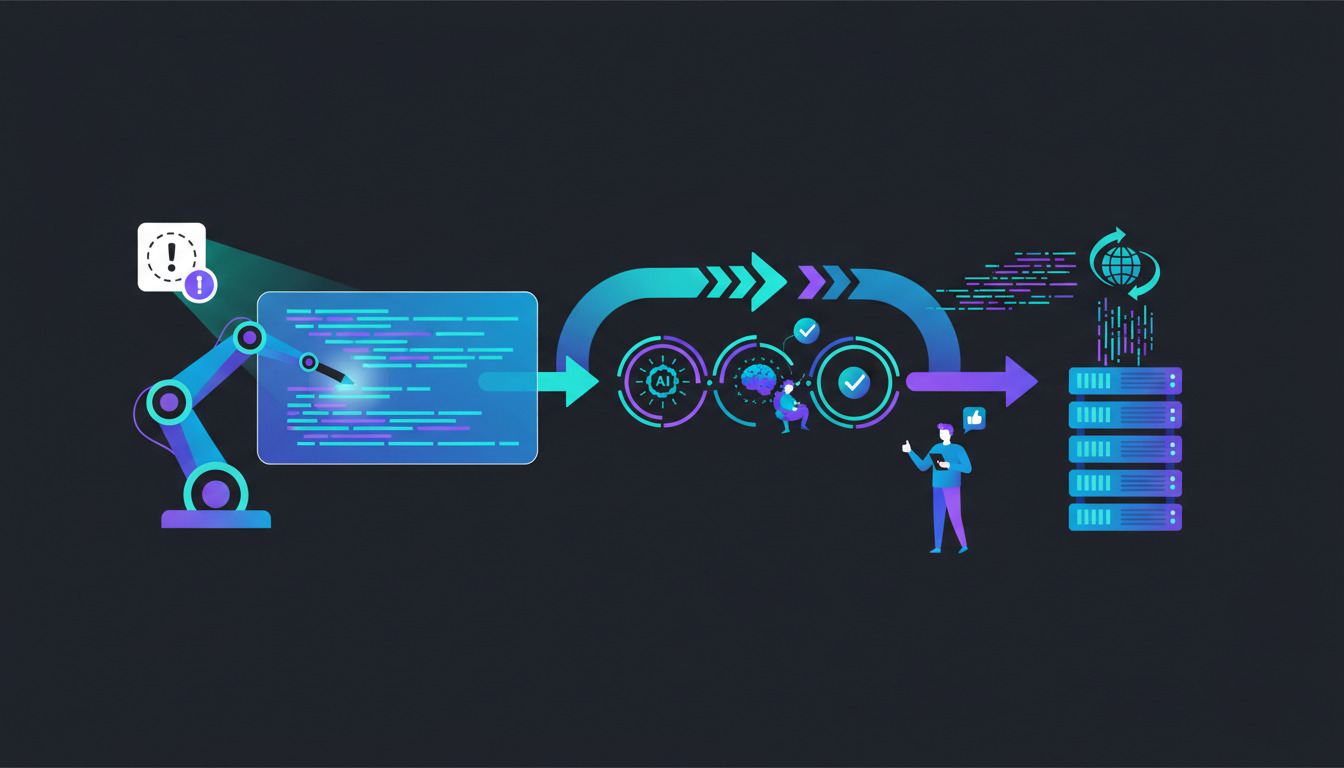
In practice, agentic workflows are event-driven automations where an AI handles well-scoped tasks with human oversight at key checkpoints.
Here's the general pattern:
flowchart TD
    A[Trigger Event] --> B[Agent Reads Context]
    B --> C[Agent Plans & Executes]
    C --> D[Agent Opens PR]
    D --> E[CI Validates]
    E --> F{Human Review}
    F -->|Approve| G[Merge & Deploy]
    F -->|Request Changes| C
The trigger can be anything your CI platform supports: a new issue, a label change, a PR comment, a cron schedule, or a webhook from an external system.
Example 1: Bug Triage and Fix
A user opens an issue: Login page throws a 500 error when email contains a plus sign.
With GitHub's Copilot Coding Agent, you label the issue copilot and the agent:
- Reads the issue description and any linked stack traces
- Searches the codebase for email validation logic
- Finds the regex that doesn't handle
+characters - Writes a fix and adds a test case for emails with
+ - Opens a PR referencing the issue
You review the PR, see the fix is correct, merge it. Your deployment pipeline handles the rest.
Time saved: 20-30 minutes of context-switching and debugging for a straightforward fix. The agent handled the grunt work; you handled the judgment call.
Example 2: Dependency Updates
Every Monday at 9am, an agent:
- Runs
npm outdated(or your package manager's equivalent) - Updates minor and patch versions
- Runs the full test suite
- Opens a PR with a changelog of what was updated and why
If tests pass, a human glances at the PR and merges. If tests fail, the agent comments on which dependency broke what, and a developer investigates.
This replaces Dependabot-style PRs with something smarter — the agent can batch updates, understand breaking changes from changelogs, and skip updates that are known to cause issues.
Example 3: Documentation Generation
When a PR that modifies an API endpoint merges, an agent:
- Reads the diff to understand what changed
- Updates the relevant API documentation
- Regenerates code examples
- Opens a follow-up PR with the doc changes
No more we'll update the docs later
— the docs update is automated and tied to the code change that triggered it.
Example 4: Code Review Assistance
A developer opens a PR. An agent automatically:
- Checks for common security issues (SQL injection, XSS, hardcoded secrets)
- Verifies test coverage for new code paths
- Flags performance concerns (N+1 queries, missing indexes)
- Leaves comments on the PR with findings
The human reviewer can then focus on architecture and business logic instead of catching mechanical issues.
The Trust Spectrum
Not every team — and not every task — should get the same level of automation. Think of agentic workflows on a spectrum:
| Level | Agent Does | Human Does | Good For |
|---|---|---|---|
| Assist | Suggests changes as comments | Reviews, implements, and deploys | Complex features, security-sensitive code |
| Draft | Opens PRs with proposed changes | Reviews and merges | Bug fixes, dependency updates, docs |
| Auto-merge | Opens PRs, merges if CI passes | Monitors, intervenes on failure | Low-risk changes, formatting, tests |
| Autonomous | Handles full lifecycle automatically | Sets guardrails, reviews retrospectively | Internal tooling, non-production environments |
Most teams start at Draft
— the agent does the work, but a human approves every merge. This is the right default. You can move individual workflows toward Auto-merge
as you build confidence in the agent's output for specific task types.
The rule of thumb: automate the parts you'd rubber-stamp anyway, keep human review for the parts where judgment matters.
Setting Up Your First Agentic Workflow on GitHub
GitHub's Copilot Coding Agent is the most accessible entry point. Here's the minimal setup:
Prerequisites
- A GitHub repository with GitHub Actions enabled
- A Copilot Enterprise or Copilot Pro+ subscription (required for the coding agent)
- Branch protection rules on
main(so the agent can't merge its own PRs)
Step 1: Enable the Coding Agent
In your repository settings, go to Settings → Copilot → Coding agent and enable it. Choose which events can trigger the agent — issues and PR comments are the most common starting points.
Step 2: Assign an Issue to Copilot
Create an issue describing a task. Assign it to @copilot or label it with copilot. The agent will:
- Create a branch
- Analyze the issue and your codebase
- Make changes and commit them
- Open a PR and request your review
Step 3: Review the PR
The PR will show exactly what the agent changed. Review it like any other PR — check the code, verify the tests pass, and merge if it looks right.
That's it. No YAML configuration, no agent definition files, no special syntax. The agent uses the same CI checks and branch protection rules as any human contributor.
Adding Custom Instructions
You can guide the agent's behavior with a copilot-instructions.md file in your .github/ directory:
## Coding Standards

- Use TypeScript for all new files
- Follow the existing project structure
- Add unit tests for all new functions
- Use the project's ESLint configuration
- Don't modify files in the `/config` directory without explicit approval
The agent reads these instructions before starting any task, similar to how CLAUDE.md works for Claude Code.
Beyond GitHub: The Broader Ecosystem
GitHub isn't the only platform investing in agentic CI/CD. The pattern is spreading:
- GitLab has AI-powered merge request assistants that can suggest fixes and auto-resolve conflicts
- Bitbucket integrates with Atlassian Intelligence for automated code review
- CircleCI, Jenkins, and other CI platforms can run any AI CLI tool as a build step — Claude Code, Codex CLI, or Gemini CLI all work in headless/non-interactive mode
The key insight: you don't need a platform-native agentic workflow
feature. Any CI pipeline that can run a shell command can run an AI agent. The platform-specific features (like GitHub's Copilot agent) add convenience — event triggers, sandboxing, UI integration — but the underlying pattern works everywhere.
What Can Go Wrong
Agentic workflows aren't magic. Here are the failure modes we see most often:
The agent writes plausible but wrong code. The fix compiles, the tests pass (because the agent wrote those too), but the logic is subtly incorrect. This is why human review matters — the agent can generate the change, but a developer needs to verify the intent.
The agent doesn't know when to stop. Given a vague issue like improve performance,
an agent might refactor half the codebase. Scope your tasks tightly: optimize the database query in `users/search.ts`
works better than make things faster.
Tests aren't comprehensive enough. If your test suite has gaps, the agent will write code that passes your tests but breaks in production. Agentic workflows expose the quality of your existing test infrastructure.
Context limits. Current agents work best on repositories under ~100K lines. Very large monorepos can exceed context windows, causing the agent to miss relevant code in other modules.
Cost. Every agent run consumes API tokens. A misconfigured trigger (like running on every commit to every branch) can generate significant costs. Start with manual triggers and expand to automatic triggers once you've validated the workflow.
The Deployment Gap
Here's what most agentic workflow guides don't cover: what happens after the PR merges?
The agent generated the code. CI validated it. A human approved it. The merge happened. Now what?
If you're using a platform with built-in deployments (Vercel, Netlify), you're covered — push-to-deploy handles it. But if you deploy to your own servers — VPS, cloud instances, bare metal, or anything behind SSH — you need a deployment step that the CI pipeline can trigger programmatically.
This is where tools like the DeployHQ CLI come in. Instead of manually clicking Deploy
in a dashboard after every agent-assisted merge, you add a deployment step to your CI pipeline that triggers automatically. The agent handles the code, CI handles the validation, and the CLI handles the deployment.
We cover this in detail in our companion article: AI Agents in CI/CD Pipelines: Connecting GitHub Agentic Workflows to DeployHQ. It walks through the full setup — from agent-generated PR to production deployment — with rollback handling and monitoring.
Getting Started: A Practical Checklist
If you want to try agentic workflows this week, here's a minimal path:
- [ ] Pick one repetitive task — dependency updates, doc generation, or bug triage are good starting points
- [ ] Verify your test coverage — the agent relies on your tests to validate its changes. If coverage is low, fix that first
- [ ] Set up branch protection — require PR reviews and passing CI checks before merge. This is your safety net
- [ ] Start with manual triggers — assign issues to Copilot explicitly rather than auto-triggering on every issue
- [ ] Review every PR carefully for the first 2-3 weeks — calibrate your trust in the agent's output for your codebase
- [ ] Add deployment automation — connect your CI pipeline to your deployment tool so the full lifecycle is covered
The goal isn't to replace developers. It's to free them from the mechanical parts of software development — the context-switching, the boilerplate, the repetitive fixes — so they can focus on the work that actually requires human judgment.
Agentic workflows are the natural next step after AI coding assistants. Instead of an AI that waits for your prompts, you get an AI that responds to events in your development workflow — issues filed, PRs opened, schedules triggered. The human stays in the loop where it matters: reviewing code, approving merges, and deciding what gets deployed.
Ready to automate your deployment pipeline alongside agentic workflows? DeployHQ handles the deployment side — shipping code to any server you own with zero-downtime deployments, one-click rollback, and a CLI built for automation. Get started for free.
For questions or feedback, reach out at support@deployhq.com or on Twitter/X.