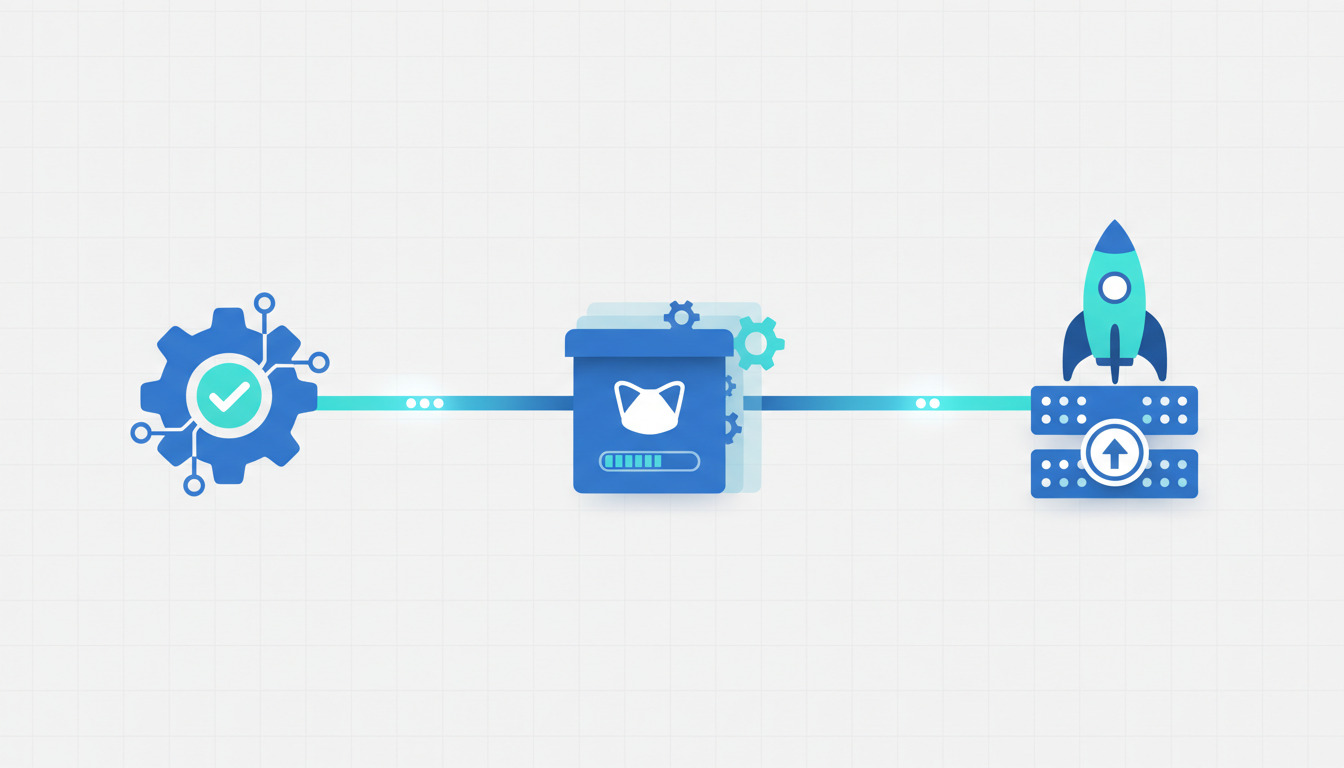
Every push to the repository behind deployhq.com runs through the same pipeline: GitHub Actions builds a Docker image, pushes it to a registry, and then hands the actual release off to DeployHQ. GitHub Actions never touches our servers. It builds and verifies; DeployHQ deploys.
That split is deliberate, and it's the thing most deploy from CI
tutorials get wrong. This is a walkthrough of the real workflow we run in production — the actual ci.yaml, the decisions baked into it, and the failure modes each one exists to prevent. If you're wiring up GitHub Actions to deploy an application, you can copy this shape wholesale.
The shape of the pipeline
One workflow file, triggered on every push, made up of four jobs:
graph LR
    A[git push] --> B[release-branch<br/>build + push image]
    B -->|needs| C[deploy<br/>trigger DeployHQ]
    A --> D[release-please<br/>version PR]
    D -->|release created| E[publish-image<br/>tag :stable + :version]
    C -.->|main only| F[Production]
    C -.->|staging only| G[Staging]
release-branchbuilds a Docker image for any branch and pushes it to the GitHub Container Registry (GHCR).deployonly runs formainandstaging, and only after the image build succeeds. This is where the DeployHQ hand-off happens.release-pleasemanages our release PRs and version numbers.publish-imagepublishes an immutable, versioned:stableimage when a release is cut.
Feature branches build an image but have nowhere to deploy — that's intentional. You get a tested, runnable artifact for every branch without any of them touching a live environment. If you wanted to take it further and stand up a throwaway environment per branch — the review-apps pattern — the dhq CLI can create and manage deploy targets straight from CI, so you could point each branch's image at its own environment and script the teardown on merge. We keep it simple here, but the pieces are there.
Stage 1 — build the image, once
The build job logs into GHCR, computes a tag from the branch name, and pushes the image with Docker Buildx and layer caching:
release-branch:
  name: Release (branch)
  runs-on: ubuntu-latest
  concurrency:
    group: build-${{ github.ref }}
    cancel-in-progress: true
  steps:
    - uses: actions/checkout@v4
    - uses: docker/setup-buildx-action@v2
    - uses: docker/login-action@v2
      with:
        registry: ghcr.io
        username: ${{ github.actor }}
        password: ${{ secrets.GITHUB_TOKEN }}
    # ... tag computation ...
    - uses: docker/build-push-action@v5
      with:
        push: true
        tags: ghcr.io/deployhq/website:${{ steps.tag.outputs.tag }}
        cache-from: type=gha
        cache-to: type=gha,mode=max
        target: full
The detail worth stealing is the concurrency block with cancel-in-progress: true. Our branch tags (latest, stag-latest) are mutable — every build of main overwrites the latest tag. Build duration varies with cache warmth, so two overlapping builds can finish out of order and leave the tag pointing at the older commit. Cancelling the superseded run is free (abandoning a Docker build costs nothing) and it prevents that race. Hold onto that mutable tag, out-of-order finish
idea — it comes back in the deploy job, where the stakes are much higher.
If you want the full picture of what belongs in a build stage before you hand off to a deployment tool, we broke that down separately in what a build pipeline actually does.
Stage 2 — hand off to DeployHQ
Here's the whole reason for the split. GitHub Actions is excellent at building and testing. It is not a deployment tool — it has no concept of an atomic release, a rollback, per-server configuration, or a maintenance window. So once the image exists, we stop scripting the deploy ourselves and call the official DeployHQ GitHub Action:
deploy:
  name: Deploy
  runs-on: ubuntu-latest
  if: github.ref == 'refs/heads/main' || github.ref == 'refs/heads/staging'
  needs: release-branch
  concurrency:
    group: deploy-${{ github.ref }}
    cancel-in-progress: false
  steps:
    - id: deploy
      # Pinned to an immutable commit, not the mutable v2 tag — this step
      # receives production deploy credentials.
      uses: deployhq/deployhq-action@ffe9caa159b501c83cac4b70d2983078a316d15d # v2
      with:
        api-key: ${{ secrets.DEPLOYHQ_API_KEY }}
        email: ${{ secrets.DEPLOYHQ_EMAIL }}
        account: saas-group
        project: website
        server: ${{ github.ref == 'refs/heads/main' && 'Production' || 'Staging' }}
        revision: ${{ github.sha }}
        wait: "true"
Every line in that with: block is a decision. The ones that earned their place through incidents:
needs: release-branch — the deploy is gated on the image build. A branch whose image failed to build never reaches DeployHQ. No half-built releases.
revision: ${{ github.sha }} — we deploy the exact commit that produced the image, not the branch tip. The branch may have moved while the build ran; deploying its current head would ship a commit whose image doesn't exist yet.
wait: "true" — the action blocks until DeployHQ reaches a terminal status. Without it, the workflow goes green the moment the deploy is queued, and a failed deployment shows up as a passing build. Waiting means a failed deploy fails the workflow, loudly.
Pinning the action to a full commit SHA (@ffe9caa…) instead of @v2 — this step handles production credentials. A mutable tag is a supply-chain hole: anyone who can move v2 could run arbitrary code with our deploy keys. We bump the pin deliberately, in a reviewed commit, never implicitly.
concurrency with cancel-in-progress: false — deploys to a branch are serialised so two never apply at once, but unlike the build job we never cancel a running deploy. Interrupting a half-applied deployment is worse than making the next one wait in line.
If you've ever tried to make this reliable by SSH-ing into a box from a CI job, you already know why we don't — the failure modes of deploying over SSH from GitHub Actions are exactly what a deployment platform exists to absorb.
Want this pipeline for your own app? The DeployHQ action is one job away from any existing GitHub Actions workflow. Start a free DeployHQ project and point it at your repo — build in CI, deploy through us.
The staleness guard
There's one more step in front of the deploy, and it's the most important safety mechanism in the whole file. The build job's cancel-in-progress should have killed any superseded run — but a run that finished building just before being superseded can still arrive at the deploy step carrying an outdated commit. Deploying it would roll the environment backward. So the last thing we check, before calling DeployHQ, is whether our revision is still the head of the branch:
- name: Check revision is still the branch head
  id: guard
  env:
    GH_TOKEN: ${{ secrets.GITHUB_TOKEN }}
  run: |
    BRANCH="${GITHUB_REF#refs/heads/}"
    HEAD_SHA="$(gh api "repos/${GITHUB_REPOSITORY}/commits/${BRANCH}" --jq .sha)"
    if [ "$HEAD_SHA" != "$GITHUB_SHA" ]; then
      echo "::notice::Skipping deploy: ${GITHUB_SHA} superseded by ${HEAD_SHA}."
      echo "current=false" >> "$GITHUB_OUTPUT"
    else
      echo "current=true" >> "$GITHUB_OUTPUT"
    fi
If our commit is no longer the branch head, we skip rather than fail — the newer run, already queued or running, will deploy the correct revision. It's the same mutable target, out-of-order finish
race from Stage 1, except here the target is a live server instead of a Docker tag, so a plain cancel isn't enough. Belt and suspenders: build-level concurrency, deploy-level serialisation, and a head check.
The action also writes a deployment summary — project, server, status, and a link straight to the DeployHQ deployment — into the GitHub step summary, so the run page tells you where the release went without opening another tab.
Stage 3 — versioned release images
The last two jobs handle releases. release-please watches main and staging, maintains a release PR, and when that PR merges it cuts a version. That triggers publish-image, which builds one more image tagged both :stable and with the exact version number:
publish-image:
  needs: release-please
  if: ${{ needs.release-please.outputs.release_created }}
  steps:
    # ... buildx + ghcr login ...
    - uses: docker/build-push-action@v5
      with:
        push: true
        tags: |
          ghcr.io/deployhq/website:stable
          ghcr.io/deployhq/website:${{ needs.release-please.outputs.version }}
        target: full
        build-args: VERSION=${{ needs.release-please.outputs.version }}
The branch images (latest, stag-latest) are mutable and disposable. The version-tagged image is immutable — it's the one you can always roll back to, because that tag never moves.
Why split CI and deployment at all?
The whole design rests on one opinion: a CI runner and a deployment platform are different tools, and gluing deploy logic into CI is where teams get hurt. GitHub Actions gives you build, test, and orchestration. What it doesn't give you — and what we lean on DeployHQ for — is the deployment half:
- Atomic releases and one-click rollback — when a deploy goes wrong, you revert to the previous release without re-running a pipeline.
- Zero-downtime deployments — releases swap in without dropping requests, which a raw
scporrsyncstep can't guarantee. - Per-server configuration — the same workflow deploys to Production or Staging by flipping one input, with server details living in DeployHQ, not in YAML.
- Build pipelines that run on our side — if you'd rather not build in CI at all, DeployHQ's own build pipeline can compile assets during the deploy.
That division of labour is the same conclusion we reached in the complete guide to building a CI/CD pipeline: let the CI tool build, let the deployment tool deploy. If you're weighing how much of this belongs in CI versus a dedicated platform, our comparison of GitHub Actions, GitLab CI, and Bitbucket Pipelines covers where each one's boundary sits.
If you copy one thing, copy these
The YAML is easy to lift. The decisions are the point:
- Gate the deploy on the build (
needs:) so broken images never ship. - Deploy the built commit, not the branch tip (
revision: github.sha). - Block until the deploy finishes (
wait: "true") so failures fail the build. - Pin any action that holds credentials to an immutable SHA.
- Guard against stale revisions — with mutable tags and out-of-order builds,
latest run wins
isn't automatic; you have to enforce it.
None of these are DeployHQ-specific — they're what deploy from CI
should mean regardless of your stack. But they're a lot easier to get right when the deploy step is a single, well-behaved action instead of a pile of shell. You can see the action itself at deployhq/deployhq-action, and the API underneath it powers fully scripted deployment automation if you outgrow the action's inputs.
Want to run the same pipeline for your project? Get started with DeployHQ, connect your Git repository, and drop the deploy job into your existing workflow. Build and test in GitHub Actions; leave the release to us.
Questions about wiring DeployHQ into your CI? Email us at support@deployhq.com or reach out on X/Twitter — we're happy to look at your workflow.