

Configure custom build environments
By default, builds will run using the latest supported versions of our main tools - Ruby, PHP, Java, Node, Python, Go, .NET, and Composer. However, if you have a project that requires a specific version of one of those tools, you can create your own custom build environment.
Configuring language versions
Head to Build Configuration within your project's Build Pipeline, then update any of the main tools at the top of the screen, to use one of the versions provided.
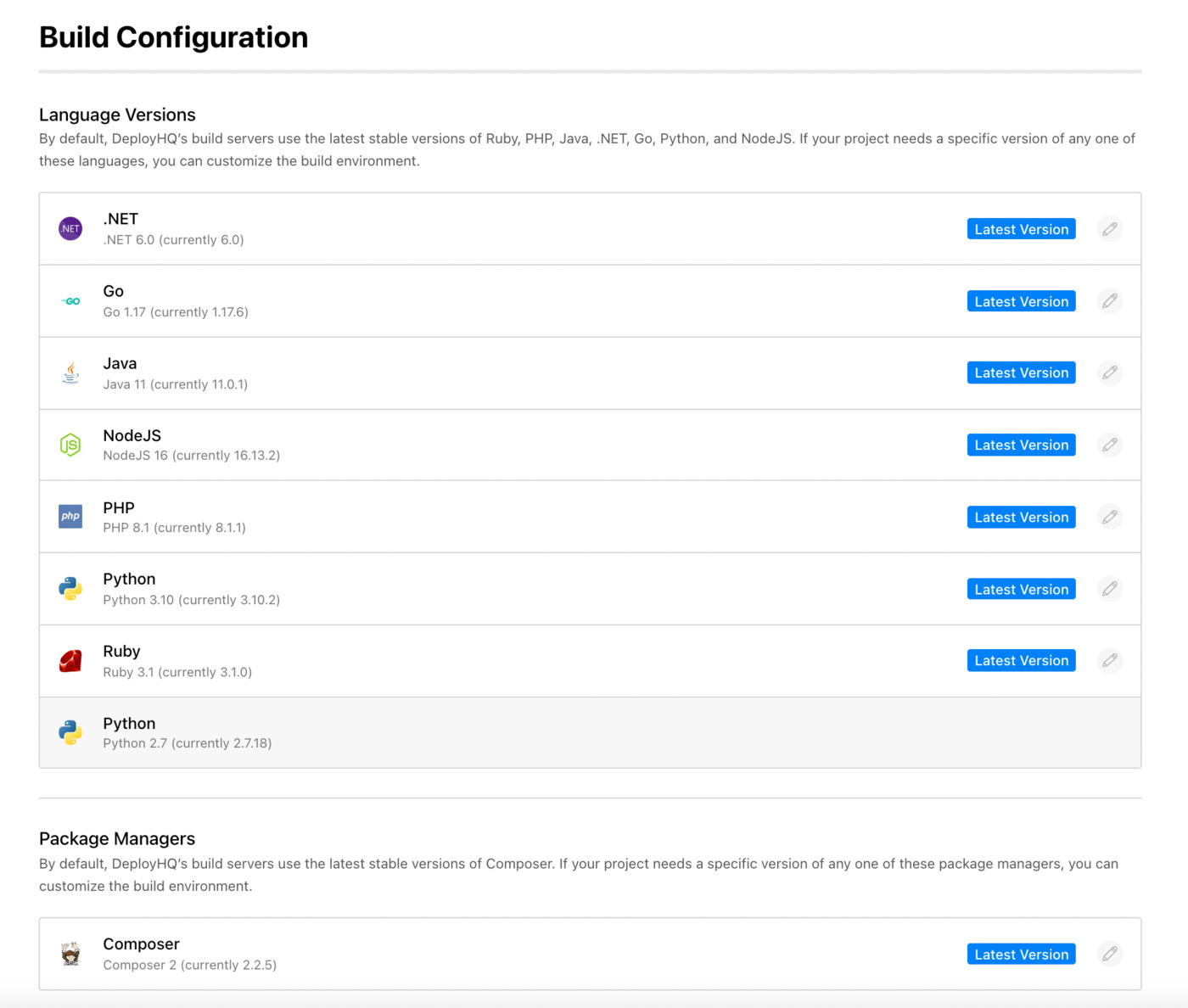
Once you've done so, future builds in that project will always use those versions of the tools.
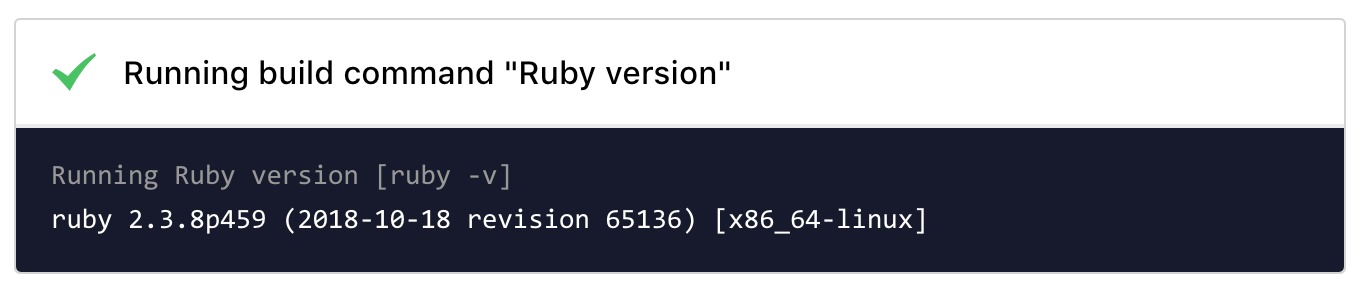
PHP and Composer versions
PHP and Composer are configured independently in Build Configuration:
- PHP -- pick the major/minor version you need (7.0 through 8.5). The container is shipped with the latest patch release for that version (see the API language versions reference for the exact patch number currently bundled).
- Composer -- pick Composer 1.x or 2.x. The selected Composer binary runs against the PHP version you've configured for the project, so
composer installin your build pipeline will automatically use the right PHP.
You don't need to install Composer yourself in your build commands -- it's available on $PATH once Build Configuration is saved. If you need an exact Composer patch version that isn't in the dropdown, you can still install it from your build command, for example:
# Download the installer and verify it against Composer's official signature
php -r "copy('https://getcomposer.org/installer', 'composer-setup.php');"
EXPECTED_HASH="$(php -r 'copy(\"https://composer.github.io/installer.sig\", \"php://stdout\");')"
ACTUAL_HASH="$(php -r "echo hash_file('sha384', 'composer-setup.php');")"
if [ "$EXPECTED_HASH" != "$ACTUAL_HASH" ]; then
  echo "ERROR: Invalid Composer installer signature"
  rm composer-setup.php
  exit 1
fi

php composer-setup.php --install-dir=. --filename=composer --version=2.8.8
php -r "unlink('composer-setup.php');"

./composer install --no-dev --optimize-autoloader
Node.js versions
Node 14.21.3 and above ship bun and pnpm alongside npm and yarn. NVM (Node Version Manager) 0.40.3 is also available if you need a Node.js version outside the Build Configuration dropdown -- see the .nvmrc guide for how to pin Node versions per-project.
.NET versions
Seven .NET SDK series are available (3.1 through 10.0). If your repo ships a global.json at the root, DeployHQ reads sdk.version from it and selects the matching series automatically -- so you can pin from your repository instead of from the Build Configuration UI. See Building .NET applications for the full version list, resolution order, and global.json behavior.
Programmatic configuration
If you manage many projects from templates, you can also update language versions via the DeployHQ API.